
[the_ad id=”193″]
[the_ad id=”193″]
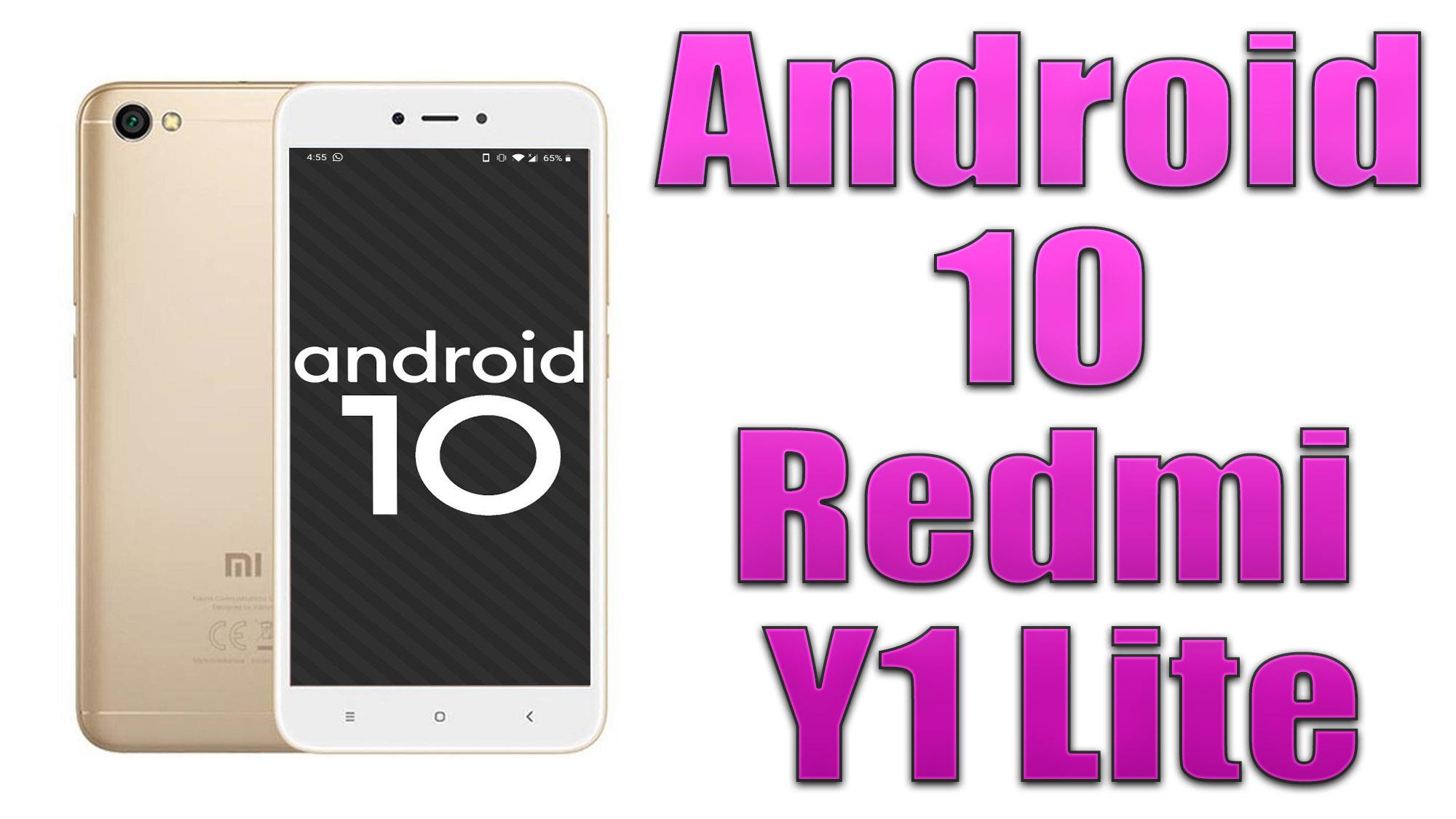
Android 10 is Google’s 10th version of Android OS with plenty of new features and system UI changes. Google doesn’t come with any dessert item name for the new Android version this time and that’s a good move. If you’re new to the Android ecosystem, it’s worth mentioning that Android is an Open Source Project (AOSP) by Google. With the new released Android 10 source code, the Lineage team has started working on Lineage OS 17.1 for all the supported device.
To install Lineage OS 17.1 on your Redmi Y1 Lite, you need to unlock bootloader and running latest TWRP Recovery. If you are on the old version, you will see error 7 warning text while installing the custom ROM on Redmi Y1 Lite device.
Xiaomi Redmi Y1 Lite features a 5.5 inches IPS LCD display with a screen resolution of 720 x 1280 pixels. The display is protected by Corning Gorilla Glass 3. The device is powered by Qualcomm MSM8917 Snapdragon 425 (28 nm) processor under Adreno 308 GPU. The handset packs 16GB variant with 2GB of RAM. Xiaomi Redmi Y1 Lite sports a Single rear camera with 13MP camera and Single Selfie camera with 5MP depth camera. The smartphone is running on Android 7.0 Nougat under MIUI 9.0 software package and backed by 3080 mAh battery.