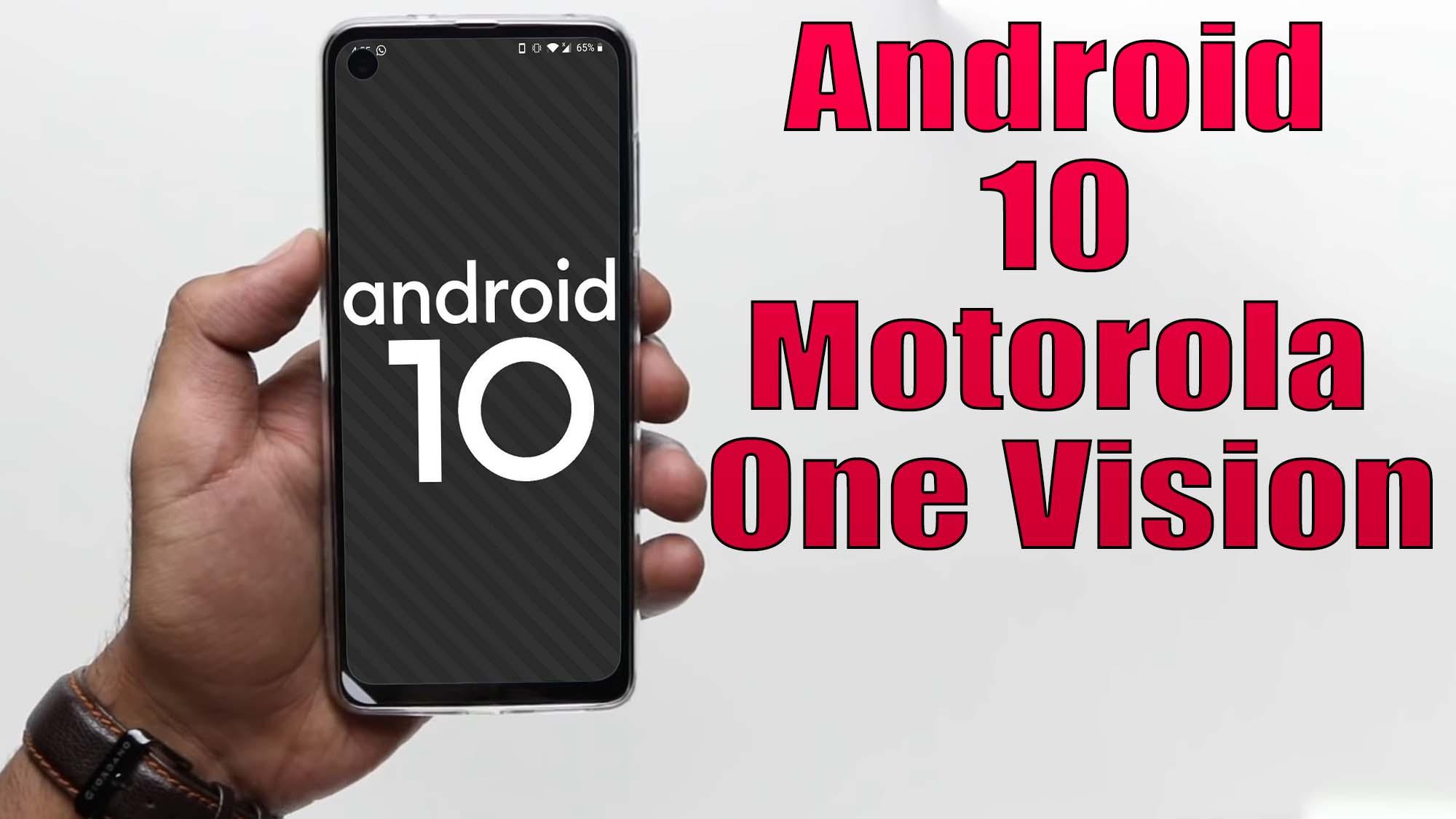

Install Android 10 on Motorola One Vision (LineageOS 17.1) – How to Guide!

Finally, Android 10 Q is official and so the AOSP 10 Source code. Motorola One Vision (kane) is now getting the unofficial version of Lineage OS 17.1 developed by Stricted Recognized Developer on XDA forum. The device is launched on May 2019. The phone came out of the box with Android 9.0 Pie and later upgrade to Android 10 Q. Now you can enjoy Lineage OS 17.1 based on Android 10. Full credits to him and Lineage team. Now you can install Lineage OS 17.1 on Motorola One Vision which is stable enough to use as a daily driver.

[the_ad id=”193″]

[the_ad id=”193″]

Android 10 is Google’s 10th version of Android OS with plenty of new features and system UI changes. Google doesn’t come with any dessert item name for the new Android version this time and that’s a good move. If you’re new to the Android ecosystem, it’s worth mentioning that Android is an Open Source Project (AOSP) by Google. With the new released Android 10 source code, the Lineage team has started working on Lineage OS 17.1 for all the supported device.

To install Lineage OS 17.1 on your Motorola One Vision, you need to unlock bootloader and running latest TWRP Recovery. If you are on the old version, you will see error 7 warning text while installing the custom ROM on Motorola One Vision device.

Read more

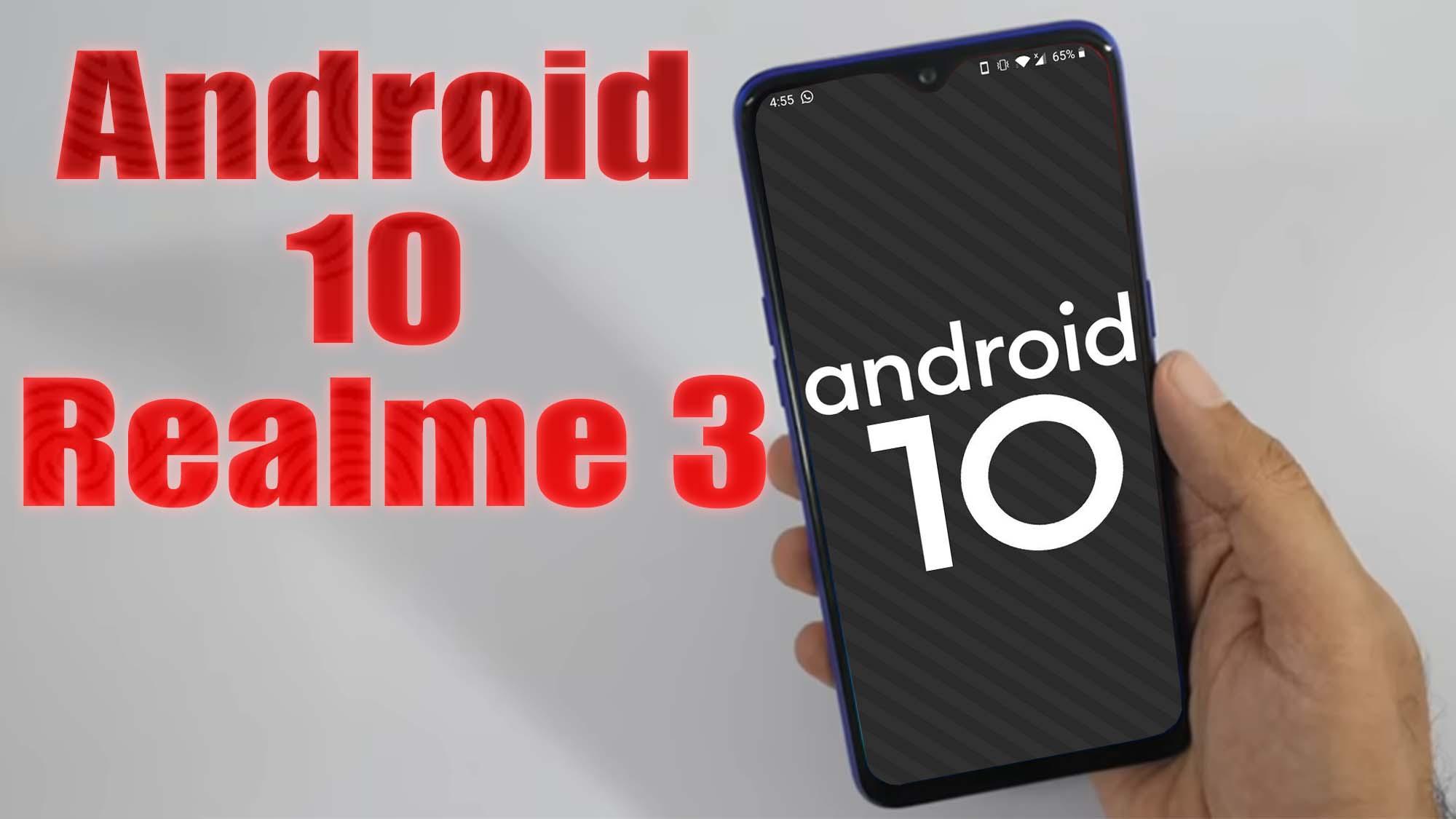
Install Android 10 on Realme 3 (LineageOS 17.1) – How to Guide!

Finally, Android 10 Q is official and so the AOSP 10 Source code. Realme 3 (RMX1821) is now getting the unofficial version of Lineage OS 17.1 developed by vishalk17 Recognized Developer on XDA forum. The device is launched on March 2019. The handset came with Android 9.0 Pie. Now you can enjoy Lineage OS 17.1 based on Android 10. Full credits to him and Lineage team. Now you can install Lineage OS 17.1 on Realme 3 which is stable enough to use as a daily driver.

[the_ad id=”193″]

[the_ad id=”193″]

Android 10 is Google’s 10th version of Android OS with plenty of new features and system UI changes. Google doesn’t come with any dessert item name for the new Android version this time and that’s a good move. If you’re new to the Android ecosystem, it’s worth mentioning that Android is an Open Source Project (AOSP) by Google. With the new released Android 10 source code, the Lineage team has started working on Lineage OS 17.1 for all the supported device.

To install Lineage OS 17.1 on your Realme 3, you need to unlock bootloader and running latest TWRP Recovery. If you are on the old version, you will see error 7 warning text while installing the custom ROM on Realme 3 device.

Read more

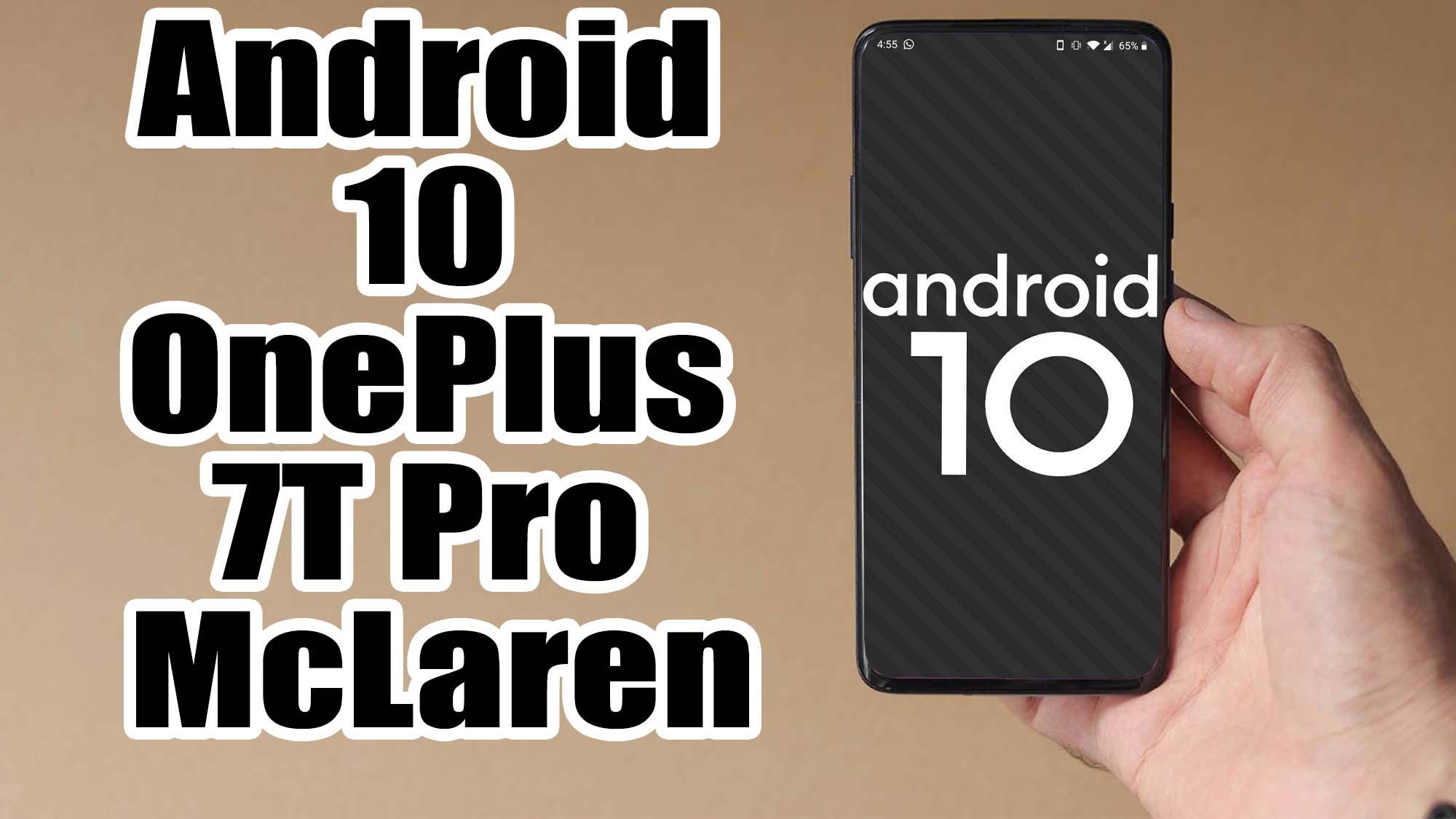
Install Android 10 on OnePlus 7T Pro McLaren (LineageOS 17.1) – How to Guide!

Finally, Android 10 Q is official and so the AOSP 10 Source code. OnePlus 7T Pro McLaren Edition (hotdogg) is now getting the unofficial version of Lineage OS 17.1 developed by albinoman887 Recognized Developer on XDA forum. The device is launched on October 2019. The handset came with Android 10 Q. Now you can enjoy Lineage OS 17.1 based on Android 10. Full credits to him and Lineage team. Now you can install Lineage OS 17.1 on OnePlus 7T Pro McLaren which is stable enough to use as a daily driver.

[the_ad id=”193″]

[the_ad id=”193″]

Android 10 is Google’s 10th version of Android OS with plenty of new features and system UI changes. Google doesn’t come with any dessert item name for the new Android version this time and that’s a good move. If you’re new to the Android ecosystem, it’s worth mentioning that Android is an Open Source Project (AOSP) by Google. With the new released Android 10 source code, the Lineage team has started working on Lineage OS 17.1 for all the supported device.

To install Lineage OS 17.1 on your OnePlus 7T Pro McLaren, you need to unlock bootloader and running latest TWRP Recovery. If you are on the old version, you will see error 7 warning text while installing the custom ROM on OnePlus 7T Pro McLaren device.

Read more

Install Android 10 on Motorola Moto Maxx (LineageOS 17.1) – How to Guide!

Finally, Android 10 Q is official and so the AOSP 10 Source code. HTC Desire Eye (eyeul) is now getting the unofficial version of Lineage OS 17.1 developed by tarkzim Recognized Developer on XDA forum. The device is launched on October 2014. The phone came out of the box with Android 4.4.4 KitKat. Now you can enjoy Lineage OS 17.1 based on Android 10. Full credits to him and Lineage team. Now you can install Lineage OS 17.1 on HTC Desire Eye which is stable enough to use as a daily driver.

[the_ad id=”193″]

[the_ad id=”193″]

Android 10 is Google’s 10th version of Android OS with plenty of new features and system UI changes. Google doesn’t come with any dessert item name for the new Android version this time and that’s a good move. If you’re new to the Android ecosystem, it’s worth mentioning that Android is an Open Source Project (AOSP) by Google. With the new released Android 10 source code, the Lineage team has started working on Lineage OS 17.1 for all the supported device.

To install Lineage OS 17.1 on your HTC Desire Eye, you need to unlock bootloader and running latest TWRP Recovery. If you are on the old version, you will see error 7 warning text while installing the custom ROM on HTC Desire Eye device.

Read more

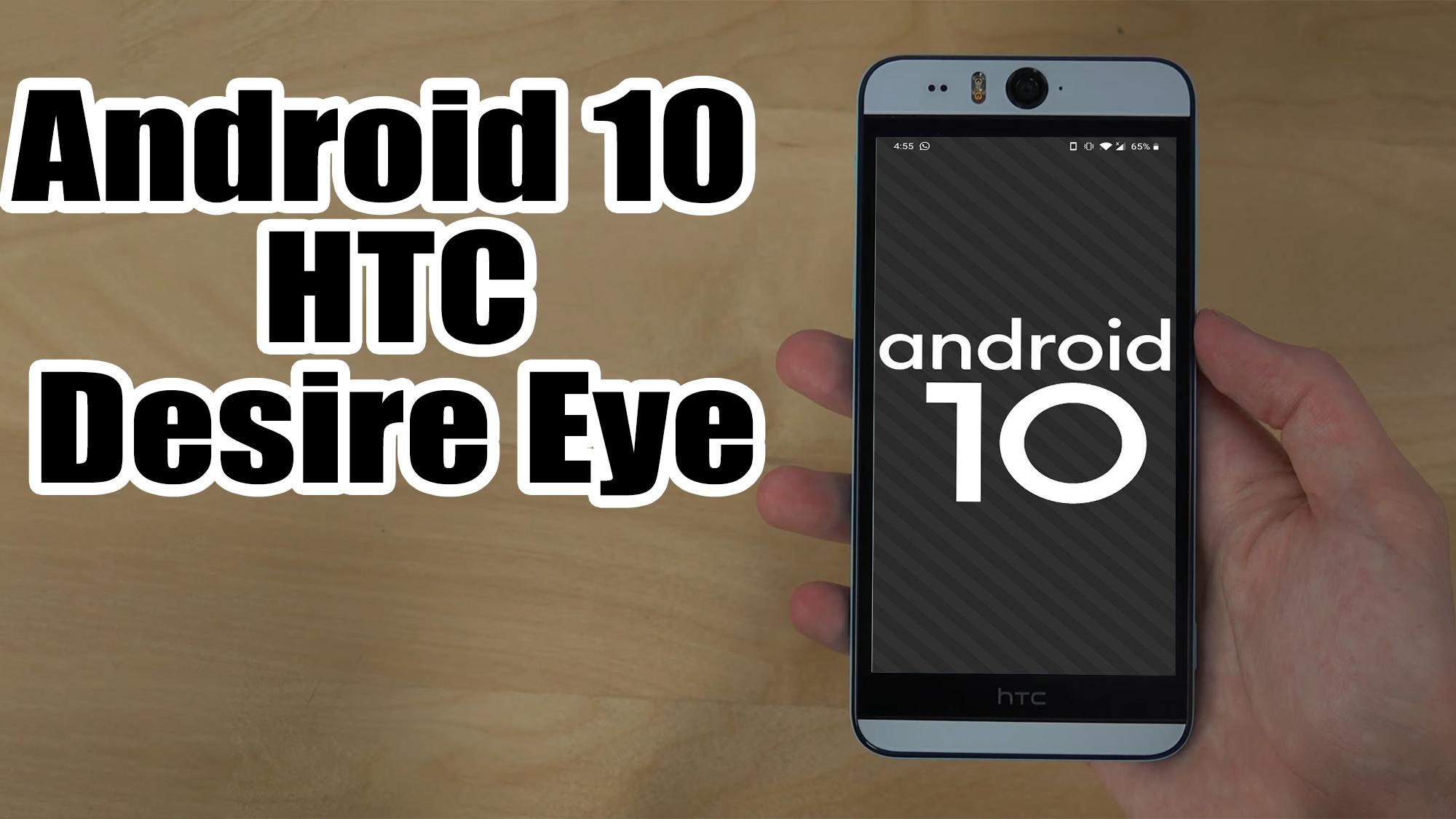
Install Android 10 on HTC Desire Eye (LineageOS 17.1) – How to Guide!

Finally, Android 10 Q is official and so the AOSP 10 Source code. HTC Desire Eye (eyeul) is now getting the unofficial version of Lineage OS 17.1 developed by tarkzim Recognized Developer on XDA forum. The device is launched on October 2014. The phone came out of the box with Android 4.4.4 KitKat. Now you can enjoy Lineage OS 17.1 based on Android 10. Full credits to him and Lineage team. Now you can install Lineage OS 17.1 on HTC Desire Eye which is stable enough to use as a daily driver.

[the_ad id=”193″]

[the_ad id=”193″]

Android 10 is Google’s 10th version of Android OS with plenty of new features and system UI changes. Google doesn’t come with any dessert item name for the new Android version this time and that’s a good move. If you’re new to the Android ecosystem, it’s worth mentioning that Android is an Open Source Project (AOSP) by Google. With the new released Android 10 source code, the Lineage team has started working on Lineage OS 17.1 for all the supported device.

To install Lineage OS 17.1 on your HTC Desire Eye, you need to unlock bootloader and running latest TWRP Recovery. If you are on the old version, you will see error 7 warning text while installing the custom ROM on HTC Desire Eye device.

Read more

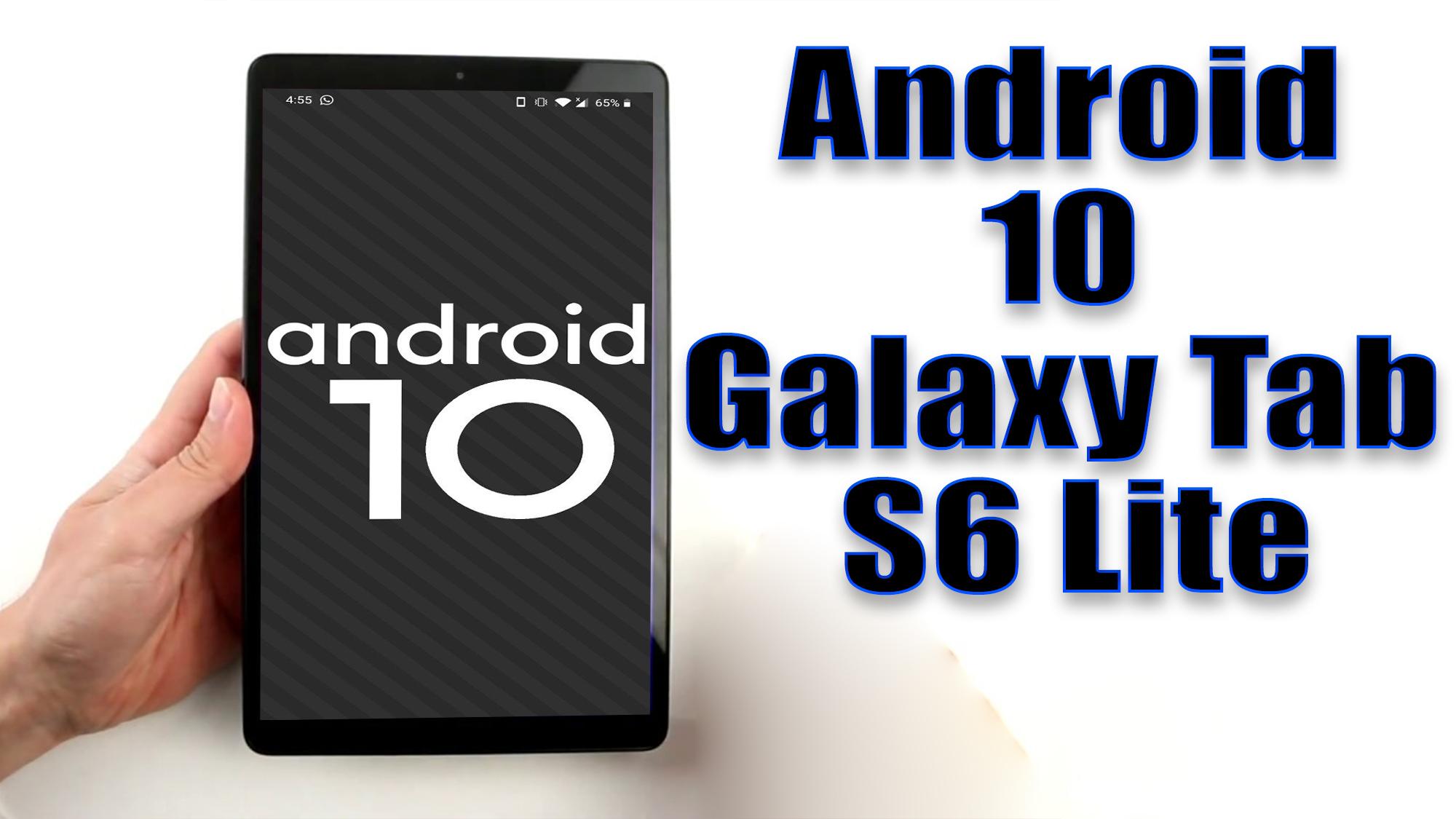
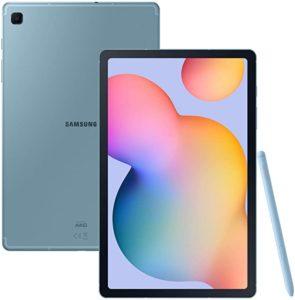
Install Android 10 on Galaxy Tab S6 Lite (LineageOS 17.1) – How to Guide!

Finally, Android 10 Q is official and so the AOSP 10 Source code. Samsung Galaxy Tab S6 Lite (gta4xl/gta4xlwifi) is now getting the unofficial version of Lineage OS 17.1 developed by Linux4 Recognized Developer on XDA forum. The device is launched on April 2020. The phone came out of the box with Android 10 Q. Now you can enjoy Lineage OS 17.1 based on Android 10. Full credits to him and Lineage team. Now you can install Lineage OS 17.1 on Galaxy Tab S6 Lite which is stable enough to use as a daily driver.

[the_ad id=”193″]

[the_ad id=”193″]

Android 10 is Google’s 10th version of Android OS with plenty of new features and system UI changes. Google doesn’t come with any dessert item name for the new Android version this time and that’s a good move. If you’re new to the Android ecosystem, it’s worth mentioning that Android is an Open Source Project (AOSP) by Google. With the new released Android 10 source code, the Lineage team has started working on Lineage OS 17.1 for all the supported device.

To install Lineage OS 17.1 on your Galaxy Tab S6 Lite, you need to unlock bootloader and running latest TWRP Recovery. If you are on the old version, you will see error 7 warning text while installing the custom ROM on Galaxy Tab S6 Lite device.

Read more

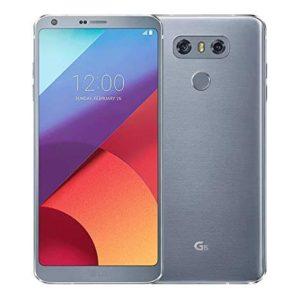
Install Android 10 on LG G6 (LineageOS 17.1) – How to Guide!

Finally, Android 10 Q is official and so the AOSP 10 Source code. LG G6 (H870/H870DS/H872/US997) is now getting the unofficial version of Lineage OS 17.1 developed by bernardobas Recognized Developer on XDA forum. The device is launched on September 2019. The handset came with Android 9.0 Pie. Now you can enjoy Lineage OS 17.1 based on Android 10. Full credits to him and Lineage team. Now you can install Lineage OS 17.1 on LG G6 which is stable enough to use as a daily driver.

[the_ad id=”193″]

[the_ad id=”193″]

Android 10 is Google’s 10th version of Android OS with plenty of new features and system UI changes. Google doesn’t come with any dessert item name for the new Android version this time and that’s a good move. If you’re new to the Android ecosystem, it’s worth mentioning that Android is an Open Source Project (AOSP) by Google. With the new released Android 10 source code, the Lineage team has started working on Lineage OS 17.1 for all the supported device.

To install Lineage OS 17.1 on your LG G6, you need to unlock bootloader and running latest TWRP Recovery. If you are on the old version, you will see error 7 warning text while installing the custom ROM on LG G6 device.

Read more

Install Android 9.0 pie Xiaomi Redmi 6A (Resurrection Remix) – How to Guide!

Xiaomi Redmi 6A (cactus) was launched in June 2018. The handset came with Android 8.1 Oreo and later upgraded to Android 9.0 Pie. Here we will guide on how to download and install Resurrection Remix on Redmi 6A which is currently based on Android 9.0 Pie. The update brings all new Android Pie feature and … Read more

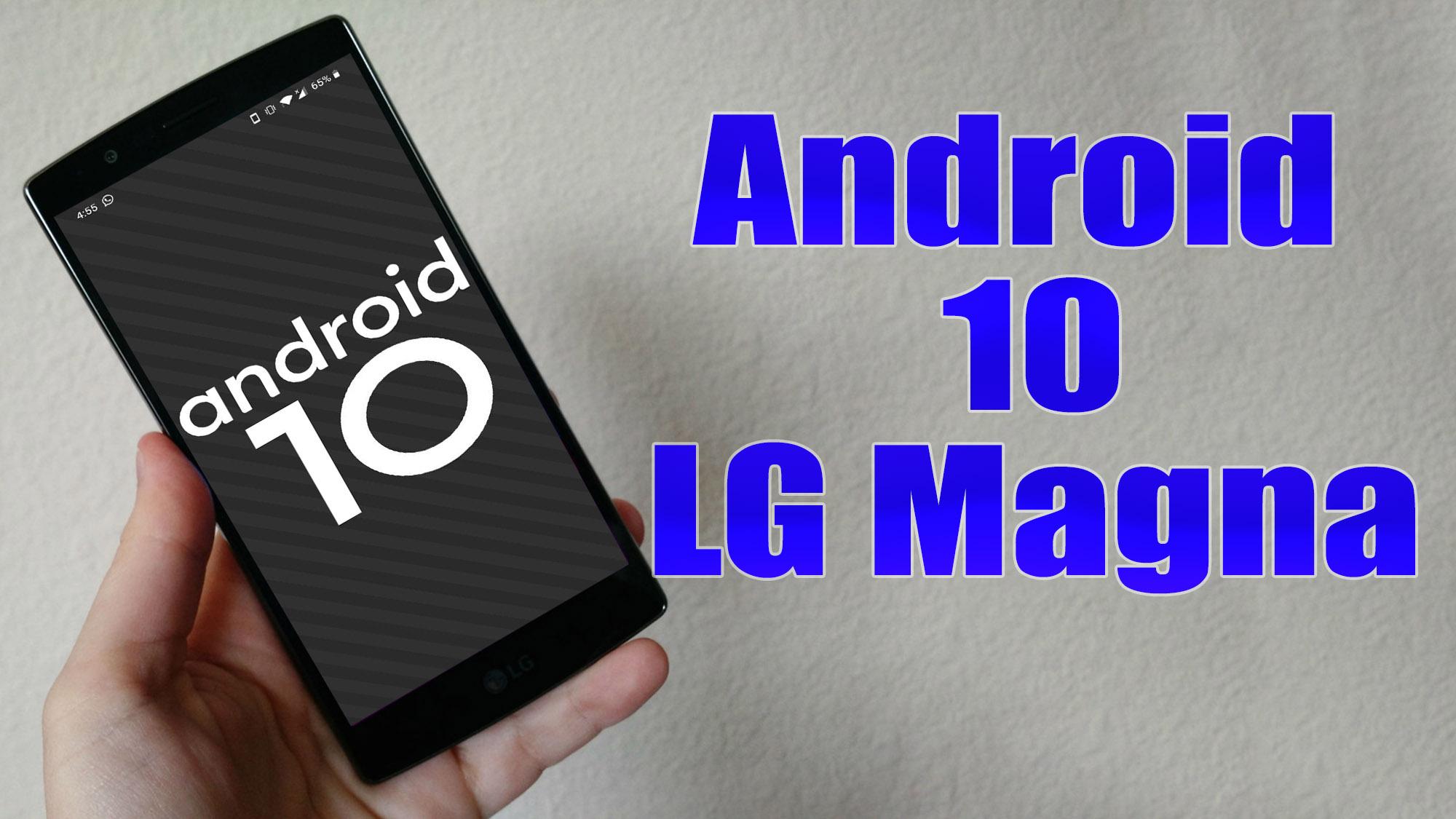
Install Android 10 on LG Magna (LineageOS 17.1) – How to Guide!

Finally, Android 10 Q is official and so the AOSP 10 Source code. LG Magna (my90ds) is now getting the unofficial version of Lineage OS 17.1 developed by SamarV-121 Recognized Developer. The device is launched on February 2015. The handset came with Android 5.0.1 Lollipop. Now you can enjoy Lineage OS 17.1 based on Android 10. Full credits to him and Lineage team. Now you can install Lineage OS 17.1 on LG Magna which is stable enough to use as a daily driver.

[the_ad id=”193″]

[the_ad id=”193″]

Android 10 is Google’s 10th version of Android OS with plenty of new features and system UI changes. Google doesn’t come with any dessert item name for the new Android version this time and that’s a good move. If you’re new to the Android ecosystem, it’s worth mentioning that Android is an Open Source Project (AOSP) by Google. With the new released Android 10 source code, the Lineage team has started working on Lineage OS 17.1 for all the supported device.

To install Lineage OS 17.1 on your LG Magna, you need to unlock bootloader and running latest TWRP Recovery. If you are on the old version, you will see error 7 warning text while installing the custom ROM on LG Magna device.

Read more

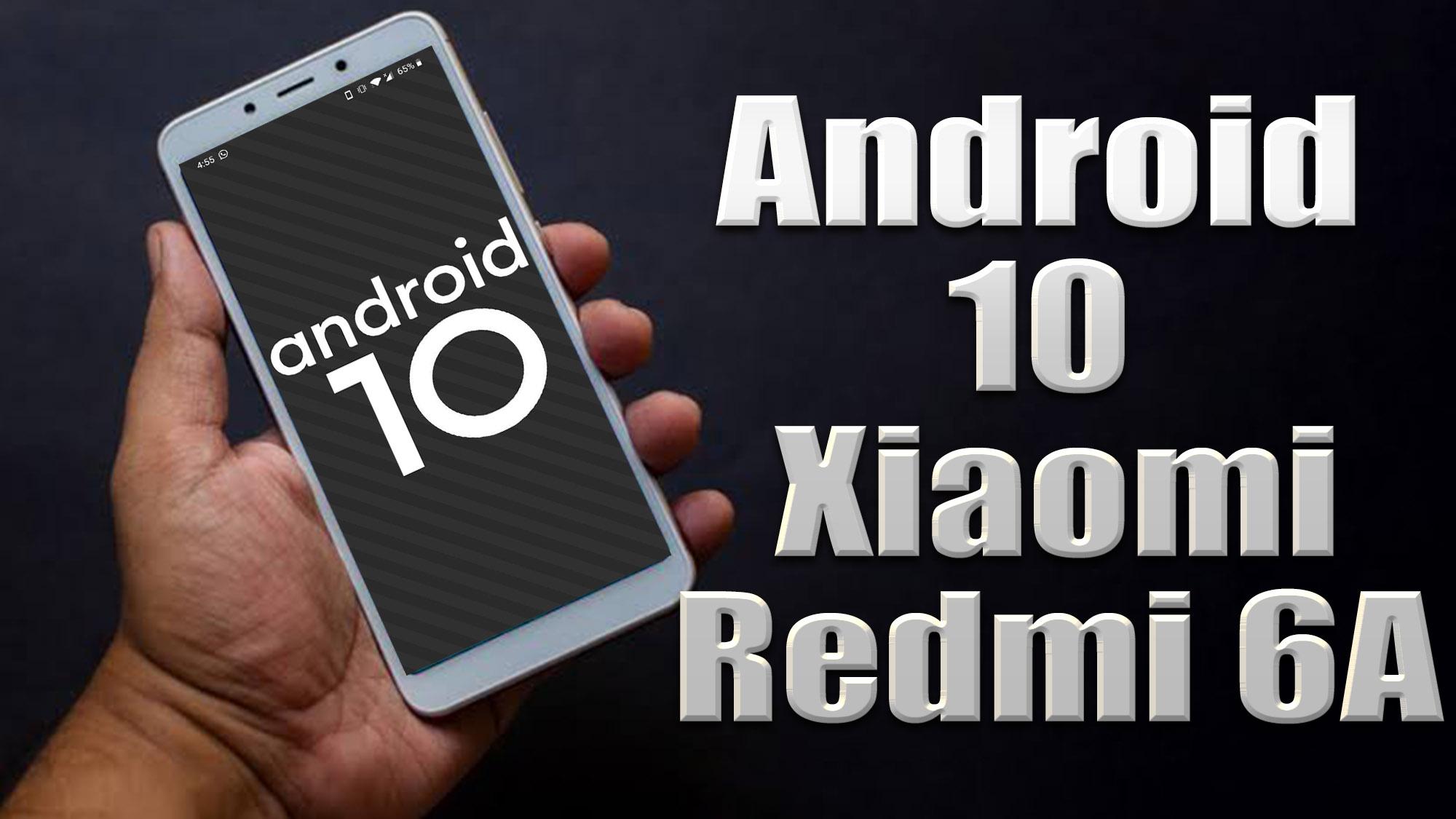
Install Android 10 on Xiaomi Redmi 6A (LineageOS 17.1) – How to Guide!

Finally, Android 10 Q is official and so the AOSP 10 Source code. Xiaomi Redmi 6A (cactus) is now getting the unofficial version of Lineage OS 17.1. The device is launched on June 2018. The handset came with Android 8.1 Oreo and later upgraded to Android 9.0 Pie. Now you can enjoy Lineage OS 17.1 based on Android 10. Full credits to him and Lineage team. Now you can install Lineage OS 17.1 on Redmi 6A which is stable enough to use as a daily driver.

[the_ad id=”193″]

[the_ad id=”193″]

Android 10 is Google’s 10th version of Android OS with plenty of new features and system UI changes. Google doesn’t come with any dessert item name for the new Android version this time and that’s a good move. If you’re new to the Android ecosystem, it’s worth mentioning that Android is an Open Source Project (AOSP) by Google. With the new released Android 10 source code, the Lineage team has started working on Lineage OS 17.1 for all the supported device.

To install Lineage OS 17.1 on your Redmi 6A, you need to unlock bootloader and running latest TWRP Recovery. If you are on the old version, you will see error 7 warning text while installing the custom ROM on Redmi 6A device.

Before we discuss how to clear App data on Xiaomi Redmi 6A, let us know about the specs of the device. Xiaomi Redmi 6A features a 5.45 inches IPS LCD display with a screen resolution of 720 x 1440 pixels. The device is powered by Mediatek Helio A22 (12 nm) processor. The handset packs 16/32GB variant with 2/3GB of RAM. Xiaomi Redmi 6A sports a Single rear camera with 13MP camera and Single Selfie camera with 5MP depth camera. The smartphone is running on Android 8.1 Oreo under MIUI 9.0 software package and backed by 3000 mAh battery.

Read more