Install Android 10 on Moto G8 Power (LineageOS 17.1) – How to Guide!

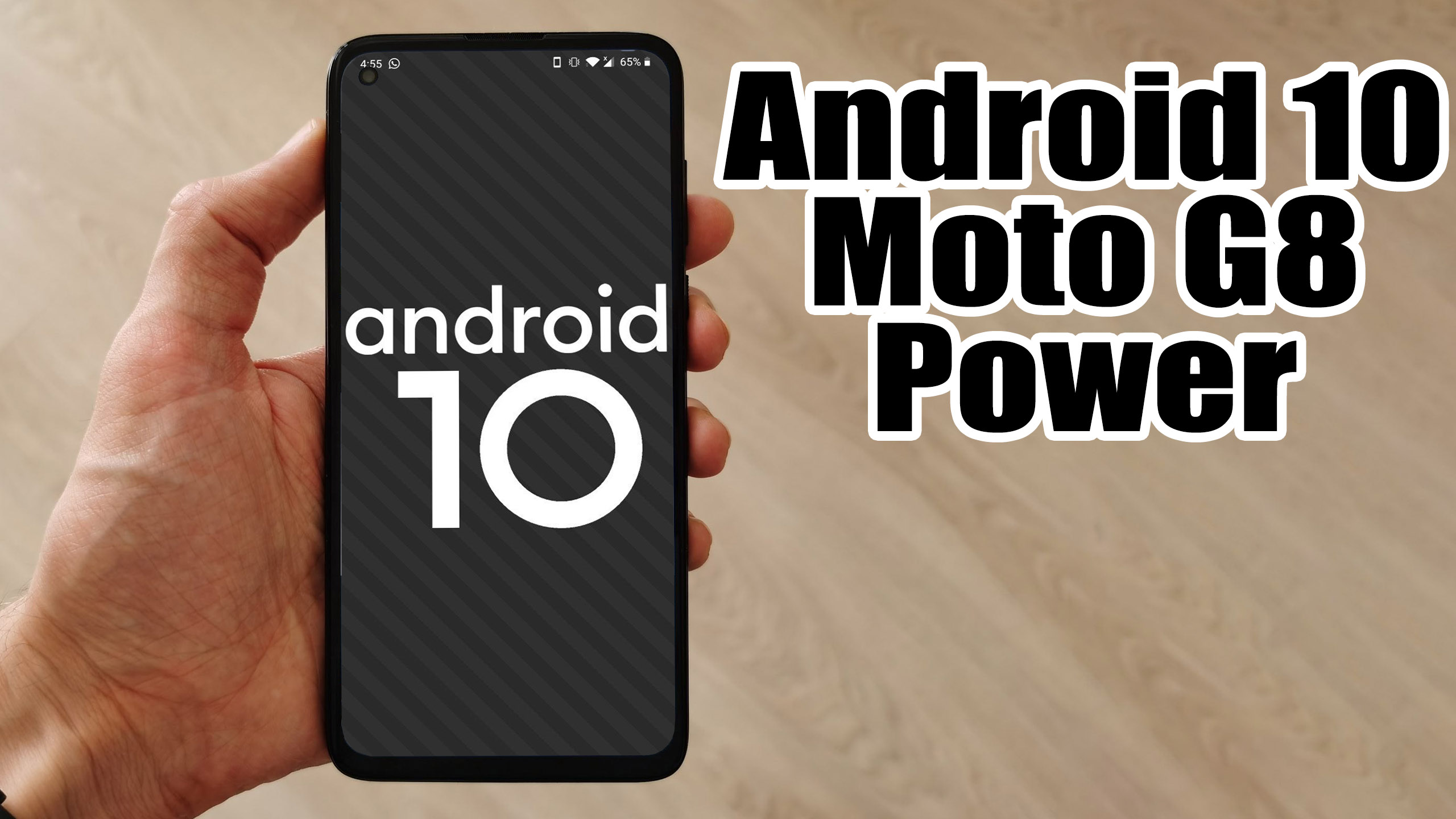
Finally, Android 10 Q is official and so the AOSP 10 Source code. Motorola Moto G8 Power (sofiar) is now getting the unofficial version of Lineage OS 17.1 developed by asineth Recognized Developer on XDA forum. The device is launched on February 2020. The handset came with Android 10 Q. Now you can enjoy Lineage OS 17.1 based on Android 10. Full credits to him and Lineage team. Now you can install Lineage OS 17.1 on Moto G8 Power which is stable enough to use as a daily driver.Android 10 is Google’s 10th version of Android OS with plenty of new features and system UI changes. Google doesn’t come with any dessert item name for the new Android version this time and that’s a good move. If you’re new to the Android ecosystem, it’s worth mentioning that Android is an Open Source Project (AOSP) by Google. With the new released Android 10 source code, the Lineage team has started working on Lineage OS 17.1 for all the supported device.To install Lineage OS 17.1 on your Moto G8 Power, you need to unlock bootloader and running latest TWRP Recovery. If you are on the old version, you will see error 7 warning text while installing the custom ROM on Moto G8 Power device.The Moto G8 Power device runs on Android 10 with the stock-like Android UI out-of-the-box. It is powered by an octa-core Qualcomm Snapdragon 665 SoC, 4GB RAM, 64GB of onboard memory which can be expandable as well. As per the display, it comes with an IPS LCD display with Full-HD+ 1080×2280 pixels resolution with a pixel density of 400 PPI. On the camera department, the device sport a triple rear camera setup of 48MP primary + a 16MP secondary + a 5MP tertiary lens that features PDAF, HDR, Panorama, AI Portrait mode, an LED flashlight, etc. On the front side, it has a 25MP selfie shooter. The handset backed by a massive 5,000mAh battery that can last up to 2 days with proprietary fast charging support.

Read more

Install Android 10 on Xiaomi Mi 10T Pro (LineageOS 17.1) – How to Guide!

Finally, Android 10 Q is official and so the AOSP 10 Source code. Xiaomi Mi 10T Pro (apollopro) is now getting the unofficial version of Lineage OS 17.1 developed by Revanth_24 Recognized Developer on XDA forum. The device is launched on September 2020. The handset came with Android 10 Q. Now you can enjoy Lineage OS 17.1 based on Android 10. Full credits to him and Lineage team. Now you can install Lineage OS 17.1 on Xiaomi Mi 10T Pro which is stable enough to use as a daily driver.[the_ad id=”193″][the_ad id=”193″]Android 10 is Google’s 10th version of Android OS with plenty of new features and system UI changes. Google doesn’t come with any dessert item name for the new Android version this time and that’s a good move. If you’re new to the Android ecosystem, it’s worth mentioning that Android is an Open Source Project (AOSP) by Google. With the new released Android 10 source code, the Lineage team has started working on Lineage OS 17.1 for all the supported device.To install Lineage OS 17.1 on your Xiaomi Mi 10T Pro, you need to unlock bootloader and running latest TWRP Recovery. If you are on the old version, you will see error 7 warning text while installing the custom ROM on Xiaomi Mi 10T Pro device.

Read more

Install Android 9.0 pie on Google Pixel 3 XL (Resurrection Remix) – How to Guide!

Xiaomi Mi Max (hydrogen) launched in May 2016. The phone came out of the box with Android 6.0 Marshmallow and later upgrade to Android 7.0 Nougat. Here we will guide on how to download and install Resurrection Remix on Xiaomi Mi Max (codenamed: hydrogen) which is currently based on Android 9.0 Pie. The update brings all … Read more

Hard Reset MOTOROLA One Fusion+ | Factory Reset Remove Pattern/Lock/Password (How to Guide)

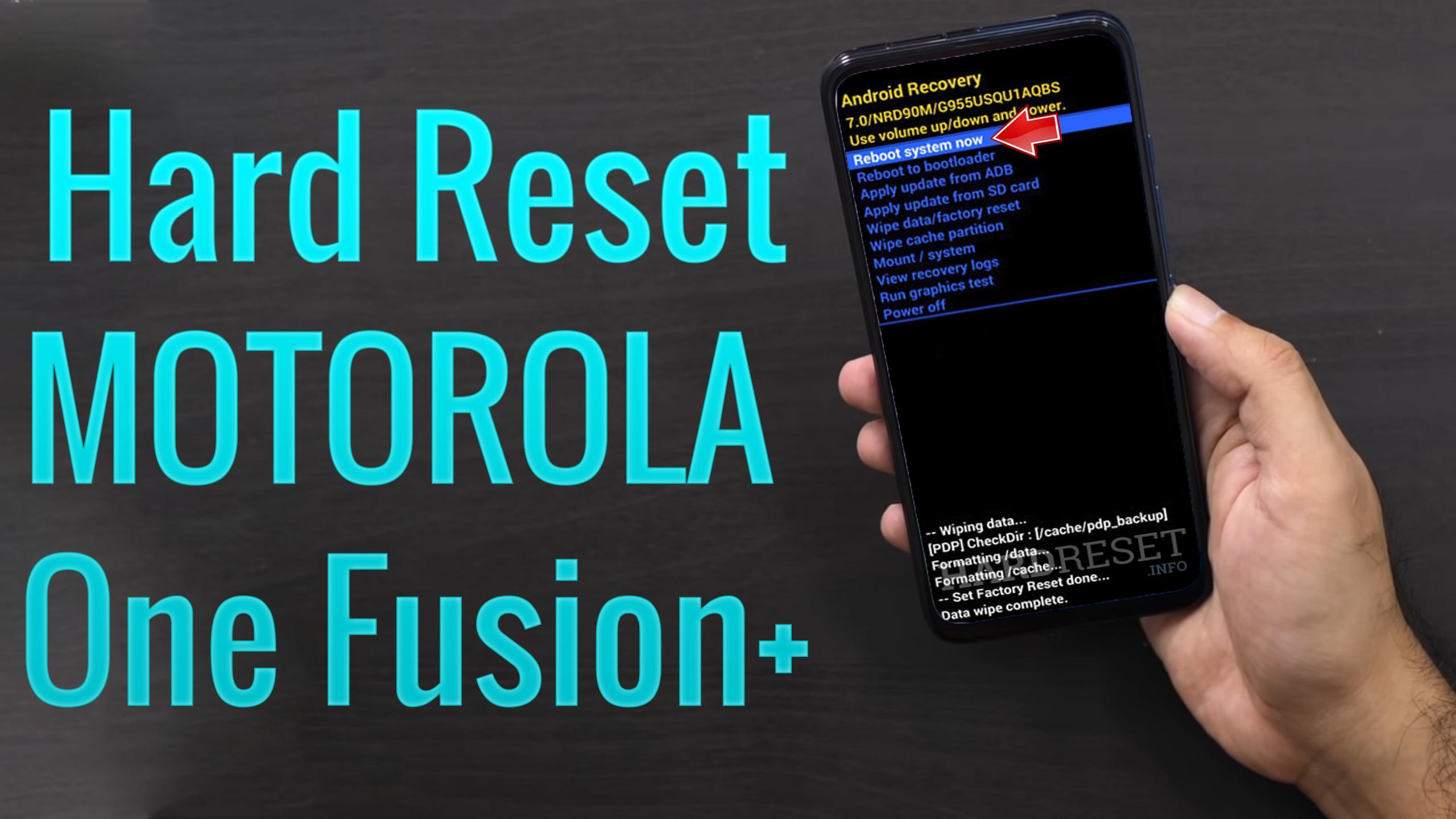
How to factory reset MOTOROLA One Fusion+? How to wipe all data in MOTOROLA One Fusion+? How to bypass screen lock in MOTOROLA One Fusion+? How to restore defaults in MOTOROLA One Fusion+? [the_ad id=”193″] The following tutorial shows all method of master reset MOTOROLA One Fusion+. Check out how to accomplish hard reset by … Read more

Hard Reset Xiaomi Mi Note 10 Lite | Factory Reset Remove Pattern/Lock/Password (How to Guide)

How to factory reset XIAOMI Mi Note 10 Lite? How to wipe all data in XIAOMI Mi Note 10 Lite? How to bypass screen lock in XIAOMI Mi Note 10 Lite? How to restore defaults in XIAOMI Mi Note 10 Lite? [the_ad id=”193″] The following tutorial shows all method of master reset XIAOMI Mi Note … Read more

Install Android 9.0 pie on Xiaomi Mi 8 Pro (Pixel Experience ROM) – How to Guide!

Xiaomi arrives in the UK with a bang – its Mi 8 Pro is nearly as good as the OnePlus 6T and matches it on price. There’s plenty of power packed inside the Xiaomi Mi 8 Pro, with Qualcomm’s latest Snapdragon 845 chipset alongside 8GB of RAM. It means the Mi 8 Pro will be … Read more

Install Android 9.0 pie on Xiaomi Mi Max (Resurrection Remix) – How to Guide!

Xiaomi Mi Max (hydrogen) launched in May 2016. The phone came out of the box with Android 6.0 Marshmallow and later upgrade to Android 7.0 Nougat. Here we will guide on how to download and install Resurrection Remix on Xiaomi Mi Max (codenamed: hydrogen) which is currently based on Android 9.0 Pie. The update brings all … Read more

Install Android 9.0 pie on Xiaomi Mi Max (Resurrection Remix) – How to Guide!

Xiaomi Mi Max (hydrogen) launched in May 2016. The phone came out of the box with Android 6.0 Marshmallow and later upgrade to Android 7.0 Nougat. Here we will guide on how to download and install Resurrection Remix on Xiaomi Mi Max (codenamed: hydrogen) which is currently based on Android 9.0 Pie. The update brings all … Read more

Install Android 9.0 pie on Xiaomi Mi A2 (Resurrection Remix) – How to Guide!

Here we will guide on how to download and install Resurrection Remix on Xiaomi Mi A2 (codenamed jasmine) which is currently based on Android 9.0 Pie. The update brings all new Android Pie feature and software version bumps to RR 7.0. Full Credits to XDA Senior Member coderzs for sharing the Official Build of Resurrection Remix for Xiaomi Mi A2. … Read more

Install Android 9.0 pie on Xiaomi Mi 8 Lite (Resurrection Remix) – How to Guide!

Here we will guide on how to download and install Resurrection Remix on Xiaomi Mi 8 Lite (codenamed platina) which is currently based on Android 9.0 Pie. The update brings all new Android Pie feature and software version bumps to RR 7.0. Full Credits to XDA Senior Member nysadev for sharing the Official Build of Resurrection Remix for Xiaomi … Read more