
[the_ad id=”193″]

[the_ad id=”193″]
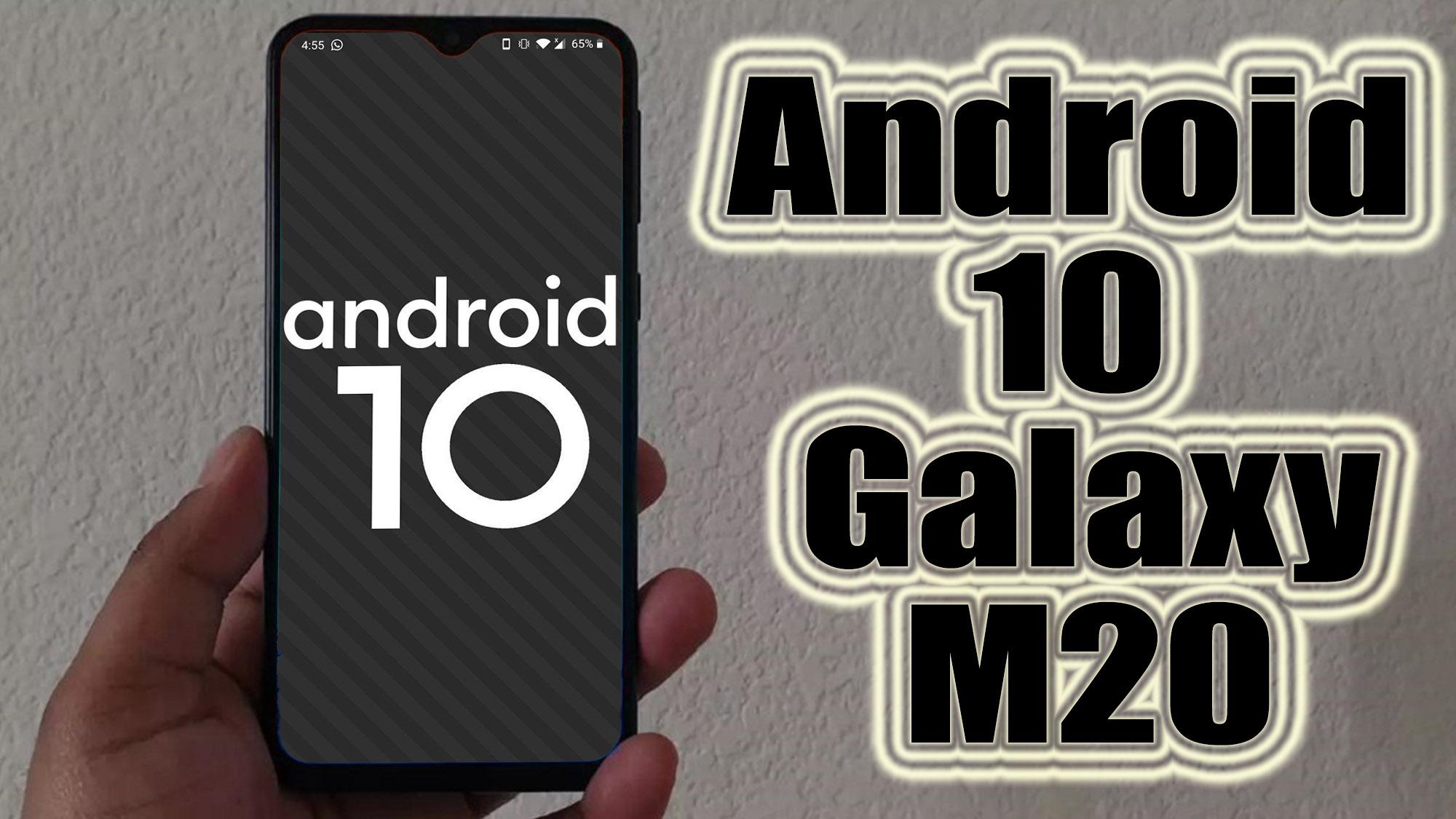
Android 10 is Google’s 10th version of Android OS with plenty of new features and system UI changes. Google doesn’t come with any dessert item name for the new Android version this time and that’s a good move. If you’re new to the Android ecosystem, it’s worth mentioning that Android is an Open Source Project (AOSP) by Google. With the new released Android 10 source code, the Lineage team has started working on Lineage OS 17.1 for all the supported device.
To install Lineage OS 17.1 on your Samsung Galaxy M20, you need to unlock bootloader and running latest TWRP Recovery. If you are on the old version, you will see error 7 warning text while installing the custom ROM on Samsung Galaxy M20 device.
Samsung Galaxy M20 sports a 6.3 inches Super PLS TFT display with a screen resolution of 1080 x 2340 pixels. It is powered by Octa-core 2×1.8 GHz Kryo 260 Gold & 6×1.8 GHz Kryo 260 Silver Exynos 7904 Octa 14 nm. The device packs 32/64GB internal storage and 3/4GB of RAM. There is 512GB expandable memory support. The camera on this device sports a Dual camera 13MP + 5MP with an aperture f/1.9/2.2 and a 8MP shooter for selfies. The Samsung Galaxy M20 runs Android 8.1, Oreo Experience 9.5 and backed by a Li-Ion 5000 mAh battery. The handset has a Rear mounted fingerprint sensor.
