[the_ad id=”193″]
[the_ad id=”193″]
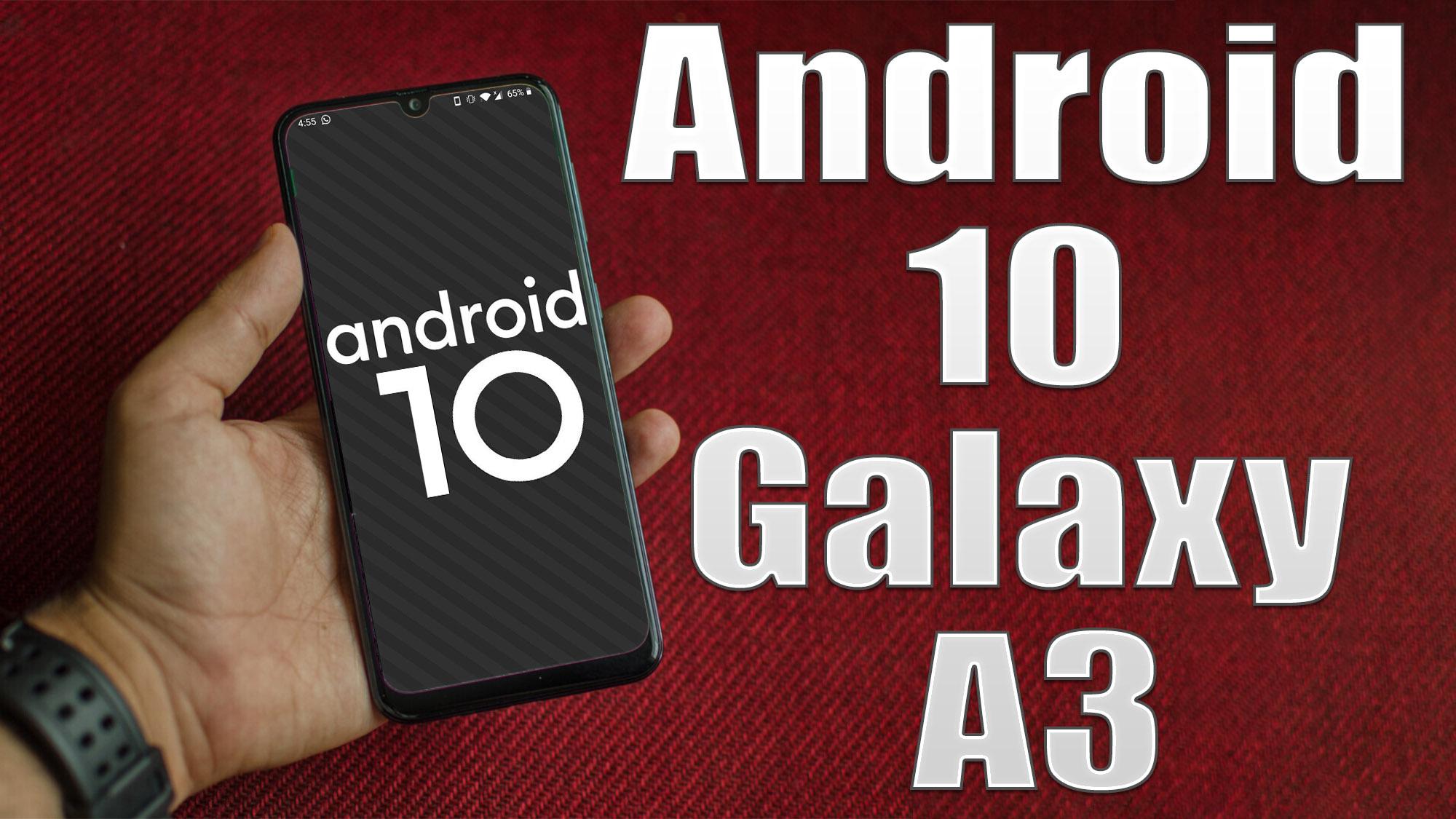
Android 10 is Google’s 10th version of Android OS with plenty of new features and system UI changes. Google doesn’t come with any dessert item name for the new Android version this time and that’s a good move. If you’re new to the Android ecosystem, it’s worth mentioning that Android is an Open Source Project (AOSP) by Google. With the new released Android 10 source code, the Lineage team has started working on Lineage OS 17.1 for all the supported device.
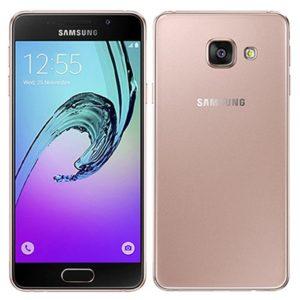
To install Lineage OS 17.1 on your Samsung Galaxy A3, you need to unlock bootloader and running latest TWRP Recovery. If you are on the old version, you will see error 7 warning text while installing the custom ROM on Samsung Galaxy A3 device.