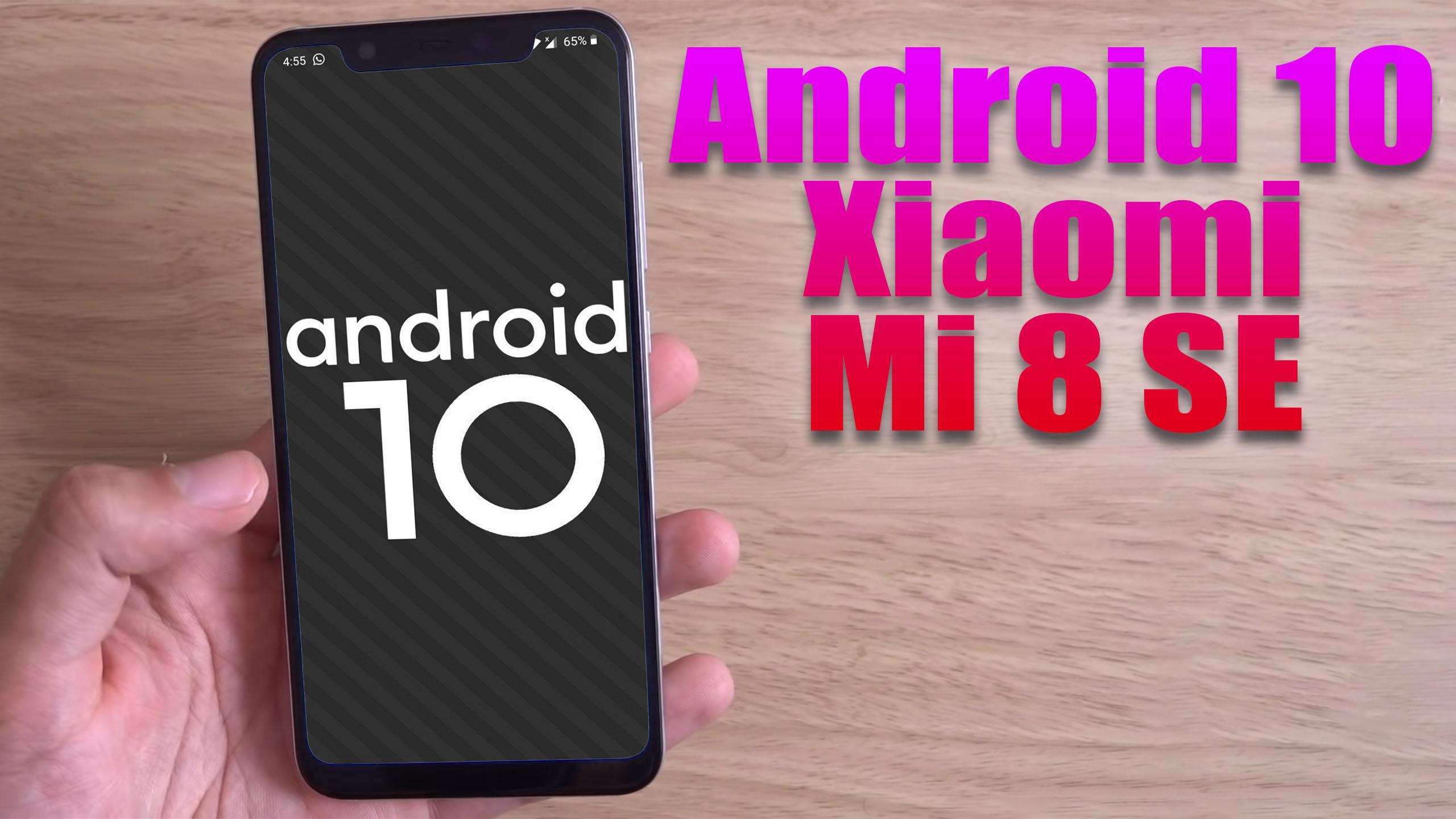
Install Android 10 on Xiaomi Mi 8 SE (LineageOS 17.1) – How to Guide!

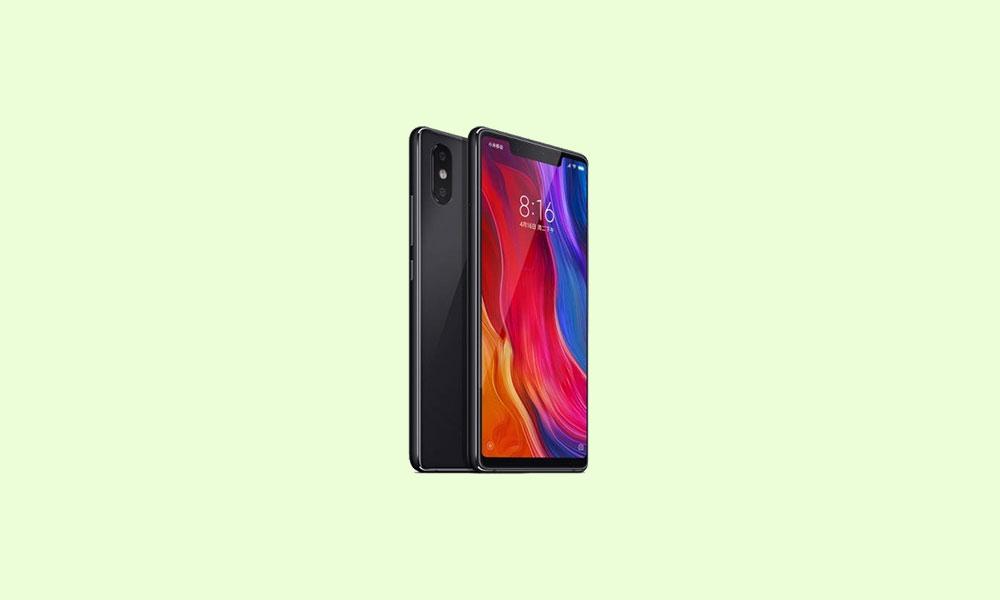
Finally, Android 10 Q is official and so the AOSP 10 Source code. Xiaomi Mi 8 SE (sirius) is now getting the unofficial version of Lineage OS 17.1. The device is launched on May 2018. The smartphone came out of the box with Android 8.1 Oreo. Now you can enjoy Lineage OS 17.1 based on Android 10. Full credits to him and Lineage team. Now you can install Lineage OS 17.1 on Xiaomi Mi 8 SE which is stable enough to use as a daily driver.

Android 10 is Google’s 10th version of Android OS with plenty of new features and system UI changes. Google doesn’t come with any dessert item name for the new Android version this time and that’s a good move. If you’re new to the Android ecosystem, it’s worth mentioning that Android is an Open Source Project (AOSP) by Google. With the new released Android 10 source code, the Lineage team has started working on Lineage OS 17.1 for all the supported device.

To install Lineage OS 17.1 on your Xiaomi Mi 8 SE, you need to unlock bootloader and running latest TWRP Recovery. If you are on the old version, you will see error 7 warning text while installing the custom ROM on Xiaomi Mi 8 SE device.

Xiaomi Mi 8 SE features a 5.88 inches Super AMOLED display with a screen resolution of 1080 x 2244 pixels. The display is protected by Corning Gorilla Glass 5. The device is powered by Qualcomm SDM710 Snapdragon 710 (10 nm) processor under Adreno 616 GPU. The handset packs 64/128GB variant with 4/6GB of RAM. Xiaomi Mi 8 SE sports a Dual rear camera with 12MP + 5MP camera and Single Selfie camera with 20MP depth camera. The smartphone is running on Android 8.1 Oreo software package and backed by 3120 mAh battery. It has a fingerprint reader on the back.
Read more

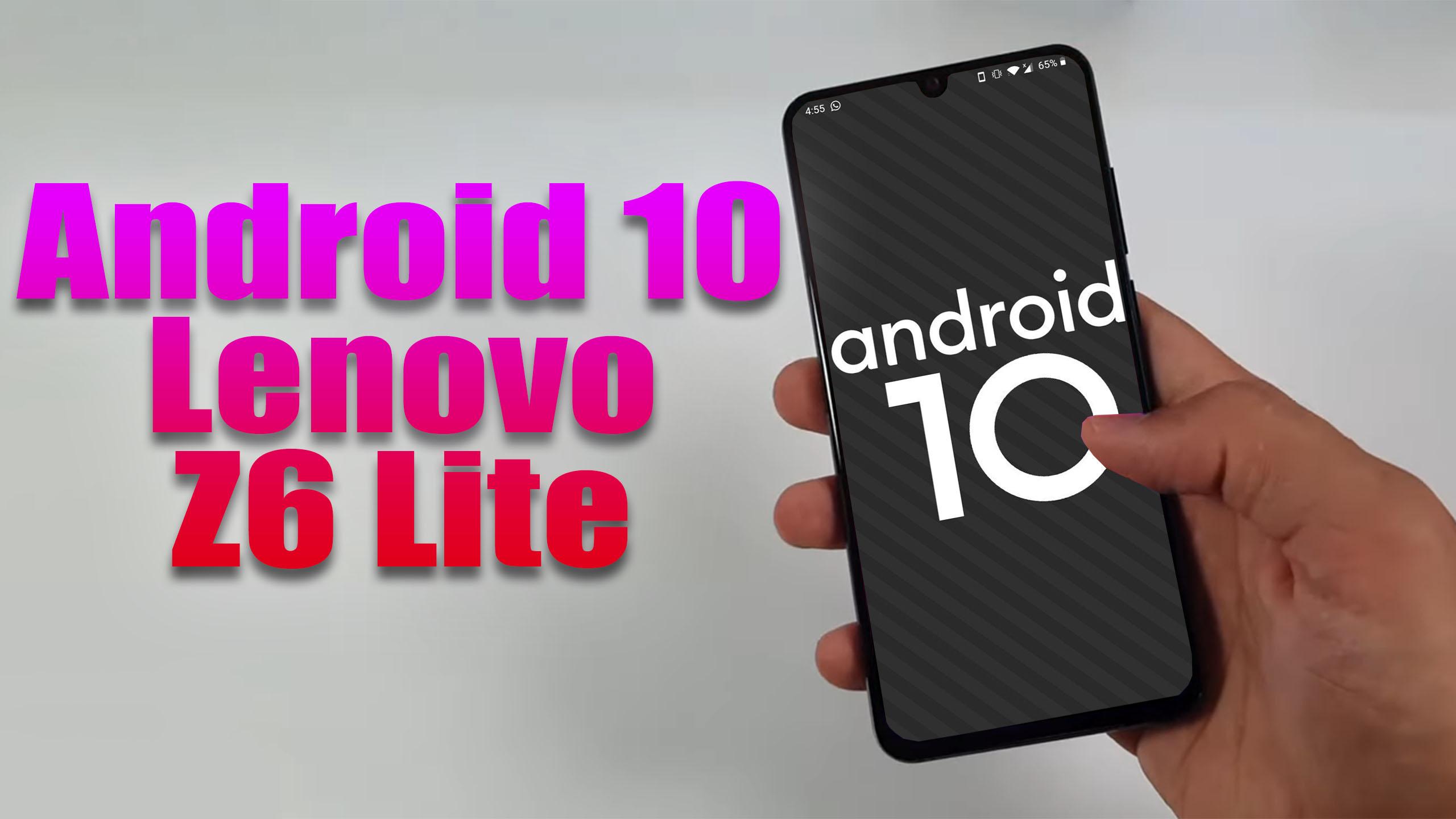
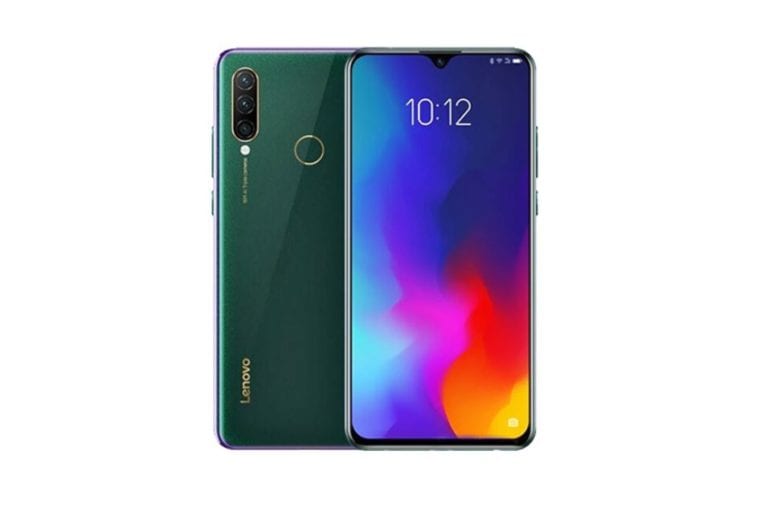
Install Android 10 on Lenovo Z6 Lite (LineageOS 17.1) – How to Guide!

Finally, Android 10 Q is official and so the AOSP 10 Source code. Lenovo Z6 Lite (kunlun2) is now getting the unofficial version of Lineage OS 17.1 developed by GiaSen Recognized Developer on XDA forum. The device is launched on May 2019 and runs on Android 9.0 Pie. Now you can enjoy Lineage OS 17.1 based on Android 10. Full credits to him and Lineage team. Now you can install Lineage OS 17.1 on Lenovo Z6 Lite which is stable enough to use as a daily driver.
Android 10 is Google’s 10th version of Android OS with plenty of new features and system UI changes. Google doesn’t come with any dessert item name for the new Android version this time and that’s a good move. If you’re new to the Android ecosystem, it’s worth mentioning that Android is an Open Source Project (AOSP) by Google. With the new released Android 10 source code, the Lineage team has started working on Lineage OS 17.1 for all the supported device.

To install Lineage OS 17.1 on your Lenovo Z6 Lite, you need to unlock bootloader and running latest TWRP Recovery. If you are on the old version, you will see error 7 warning text while installing the custom ROM on Lenovo Z6 Lite device.

Read more

Install Android 10 on Realme 6 (LineageOS 17.1) – How to Guide!

Finally, Android 10 Q is official and so the AOSP 10 Source code. Realme 6 (wasabi) is now getting the unofficial version of Lineage OS 17.1 developed by mandeep_virang Recognized Developer on XDA forum. The device is launched on March 2020. The handset came with Android 10 Q. Now you can enjoy Lineage OS 17.1 based on Android 10. Full credits to him and Lineage team. Now you can install Lineage OS 17.1 on Realme 6 which is stable enough to use as a daily driver.

Android 10 is Google’s 10th version of Android OS with plenty of new features and system UI changes. Google doesn’t come with any dessert item name for the new Android version this time and that’s a good move. If you’re new to the Android ecosystem, it’s worth mentioning that Android is an Open Source Project (AOSP) by Google. With the new released Android 10 source code, the Lineage team has started working on Lineage OS 17.1 for all the supported device.

To install Lineage OS 17.1 on your Realme 6, you need to unlock bootloader and running latest TWRP Recovery. If you are on the old version, you will see error 7 warning text while installing the custom ROM on Realme 6 device.

Realme 6 sports a 6.5 inch Full HD+ IPS LCD display with a resolution of 1080 × 2400 pixels. The device has an Ultra Smooth display with a screen refresh rate of 90Hz refresh rate. Underneath the Realme 6, it sports the MediaTek Helio G90T which is built on the 12nm process. To the GPU side, this SoC comes with the Mali G76 MC4 GPU. That said coming to the variants in which it is available, it is available in 4, 6, and 8GB of LPDDR4x RAM. It is also available in different internal storage variants such as 64GB and 128GB of UFS 2.1 onboard storage.

Read more

Install Android 10 on Pixel 4a (LineageOS 17.1) – How to Guide!

Finally, Android 10 Q is official and so the AOSP 10 Source code. Google Pixel 4a (sunfish) is now getting the unofficial version of Lineage OS 17.1 developed by liamwhite Recognized Developer on XDA forum. The device is launched on August 2020. The handset came with Android 10 Q and later upgrade to Android 11. Now you can enjoy Lineage OS 17.1 based on Android 10. Full credits to him and Lineage team. Now you can install Lineage OS 17.1 on Google Pixel 4a which is stable enough to use as a daily driver.
Android 10 is Google’s 10th version of Android OS with plenty of new features and system UI changes. Google doesn’t come with any dessert item name for the new Android version this time and that’s a good move. If you’re new to the Android ecosystem, it’s worth mentioning that Android is an Open Source Project (AOSP) by Google. With the new released Android 10 source code, the Lineage team has started working on Lineage OS 17.1 for all the supported device.

To install Lineage OS 17.1 on your Google Pixel 4a, you need to unlock bootloader and running latest TWRP Recovery. If you are on the old version, you will see error 7 warning text while installing the custom ROM on Google Pixel 4a device.

Google Pixel 4a has 5.81-inch screen has a 1080 x 2340 pixel resolution with a 19.5:9 aspect ratio. Under the hood, you get an octa-core Qualcomm SDM730 Snapdragon 730G with Adreno 618 as the GPU. The device comes in a single variant 128GB 6GB RAM, with no support for the SD card. However, there is still a 3.5mm jack that is something worth commendable. Coming to the camera department, you get a single 12.2 MP with f/1.7 aperture rear camera setup, which holds 4K@30fps and 1080p@30/60/120fps video recording capabilities. On the front, there is a single 8 MP lens with f/2.0 aperture. This has 1080p@30fps video recording capabilities.

Read more