 Android 10 is Google’s 10th version of Android OS with plenty of new features and system UI changes. Google doesn’t come with any dessert item name for the new Android version this time and that’s a good move. If you’re new to the Android ecosystem, it’s worth mentioning that Android is an Open Source Project (AOSP) by Google. With the new released Android 10 source code, the Lineage team has started working on Lineage OS 17.1 for all the supported device.To install Lineage OS 17.1 on your Moto G8 Power, you need to unlock bootloader and running latest TWRP Recovery. If you are on the old version, you will see error 7 warning text while installing the custom ROM on Moto G8 Power device.The Moto G8 Power device runs on Android 10 with the stock-like Android UI out-of-the-box. It is powered by an octa-core Qualcomm Snapdragon 665 SoC, 4GB RAM, 64GB of onboard memory which can be expandable as well. As per the display, it comes with an IPS LCD display with Full-HD+ 1080×2280 pixels resolution with a pixel density of 400 PPI. On the camera department, the device sport a triple rear camera setup of 48MP primary + a 16MP secondary + a 5MP tertiary lens that features PDAF, HDR, Panorama, AI Portrait mode, an LED flashlight, etc. On the front side, it has a 25MP selfie shooter. The handset backed by a massive 5,000mAh battery that can last up to 2 days with proprietary fast charging support.
Install Android 10 on Moto G8 Power (LineageOS 17.1) – How to Guide!
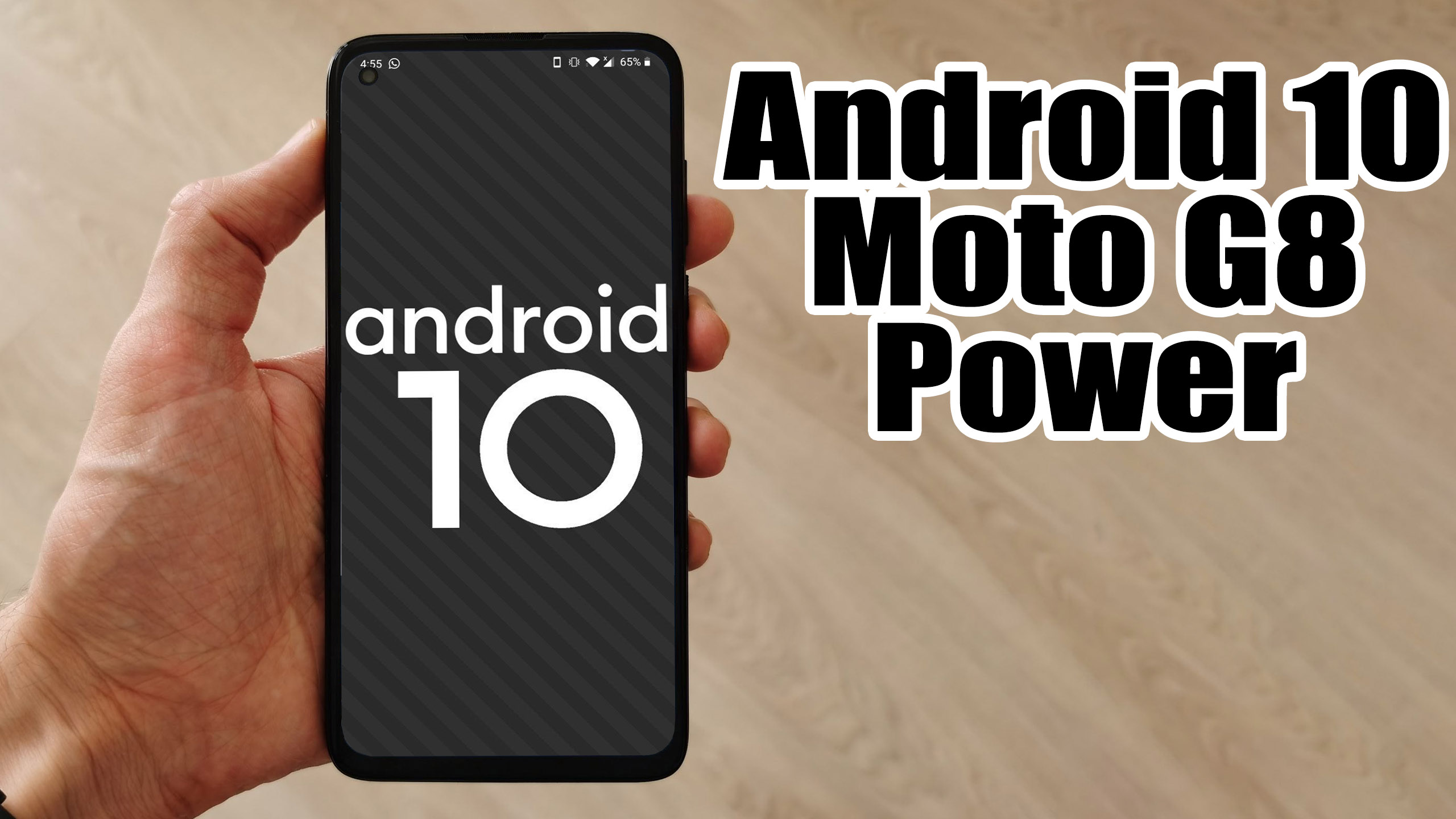 Android 10 is Google’s 10th version of Android OS with plenty of new features and system UI changes. Google doesn’t come with any dessert item name for the new Android version this time and that’s a good move. If you’re new to the Android ecosystem, it’s worth mentioning that Android is an Open Source Project (AOSP) by Google. With the new released Android 10 source code, the Lineage team has started working on Lineage OS 17.1 for all the supported device.To install Lineage OS 17.1 on your Moto G8 Power, you need to unlock bootloader and running latest TWRP Recovery. If you are on the old version, you will see error 7 warning text while installing the custom ROM on Moto G8 Power device.The Moto G8 Power device runs on Android 10 with the stock-like Android UI out-of-the-box. It is powered by an octa-core Qualcomm Snapdragon 665 SoC, 4GB RAM, 64GB of onboard memory which can be expandable as well. As per the display, it comes with an IPS LCD display with Full-HD+ 1080×2280 pixels resolution with a pixel density of 400 PPI. On the camera department, the device sport a triple rear camera setup of 48MP primary + a 16MP secondary + a 5MP tertiary lens that features PDAF, HDR, Panorama, AI Portrait mode, an LED flashlight, etc. On the front side, it has a 25MP selfie shooter. The handset backed by a massive 5,000mAh battery that can last up to 2 days with proprietary fast charging support.