Install Android 10 on Xiaomi Mi 10 (LineageOS 17.1) – How to Guide!
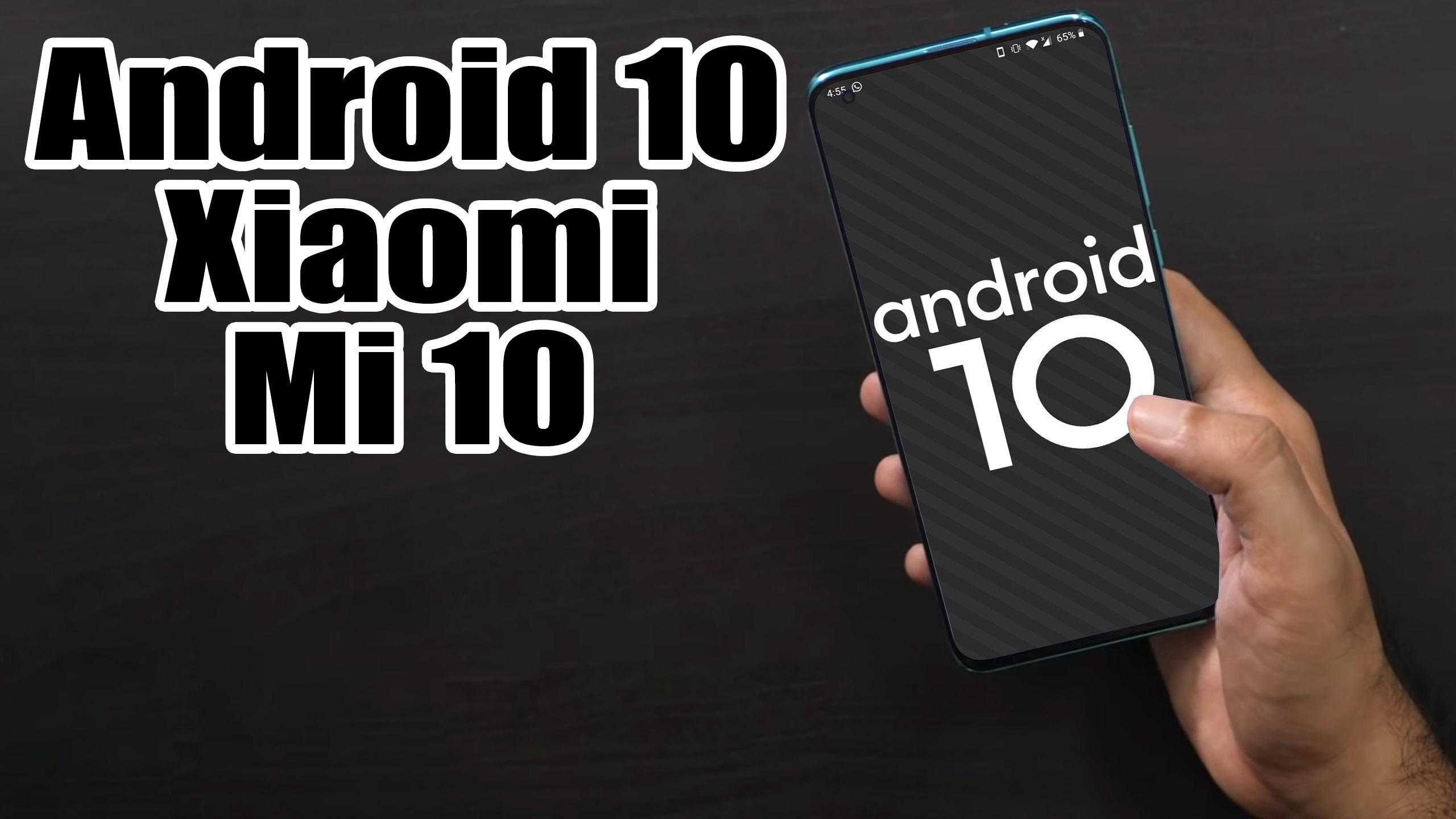
Finally, Android 10 Q is official and so the AOSP 10 Source code. Xiaomi Mi 10 (umi) is now getting the unofficial version of Lineage OS 17.1 developed by Luna.a Recognized Developer. The device is launched on February 2020. The handset came with Android 10 Q. Now you can enjoy Lineage OS 17.1 based on Android 10. Full credits to him and Lineage team. Now you can install Lineage OS 17.1 on Xiaomi Mi 10 which is stable enough to use as a daily driver.
Android 10 is Google’s 10th version of Android OS with plenty of new features and system UI changes. Google doesn’t come with any dessert item name for the new Android version this time and that’s a good move. If you’re new to the Android ecosystem, it’s worth mentioning that Android is an Open Source Project (AOSP) by Google. With the new released Android 10 source code, the Lineage team has started working on Lineage OS 17.1 for all the supported device.To install Lineage OS 17.1 on your Xiaomi Mi 10, you need to unlock bootloader and running latest TWRP Recovery. If you are on the old version, you will see error 7 warning text while installing the custom ROM on Xiaomi Mi 10 device.The Xiaomi Mi 10 5G sports a 6.67 Super AMOLED panel with Full HD+ screen resolution and with curved edges. Sadly this panel only supports the 90Hz screen refresh rate, which is lower compared to the 120Hz display on the Galaxy S20 series and 180 Hz touch sampling rate. Further, this display can also go up to 1120 nits of peak brightness, and it can have 4096 levels of brightness adjustment and supports DC dimming. It is also capable of HDR10 and DCI-P3. It also has a screen to body ratio of 89.8 percent, an aspect ratio of 18:5:9, a pixel density of 386 Pixel Per Inch (PPI), a contrast ratio of 5,000,000:1, and with a resolution of 1080 x 2340 pixels. This panel also features an in-display fingerprint scanner and gets by the Corning Gorilla Glass.

Read more

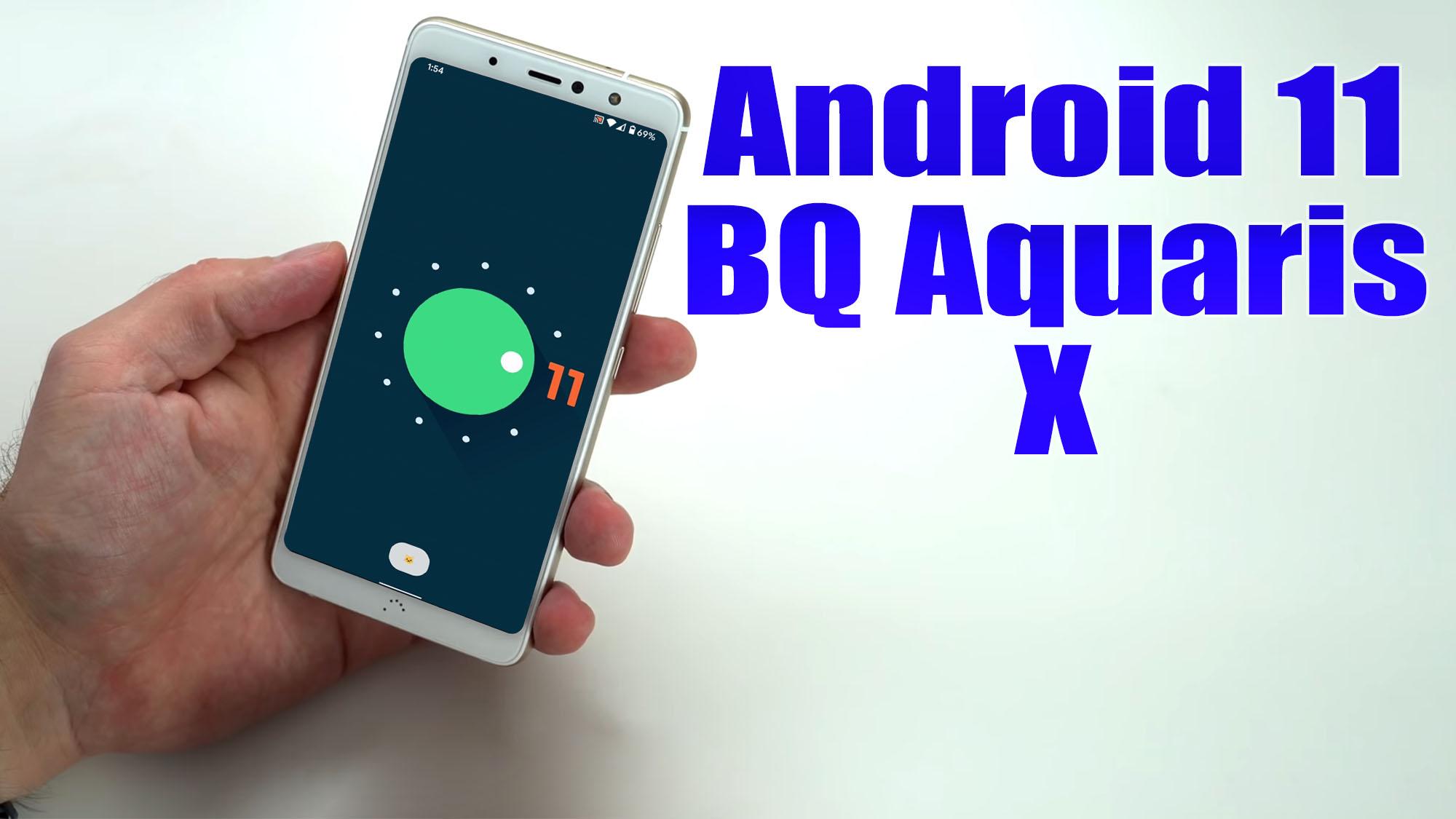
Install Android 11 on BQ Aquaris X (LineageOS 18) – How to Guide!

BQ Aquaris X (codename: bardock) launched in April 2017. The handset came with Android 7.1.1 Nougat. In this tutorial, we will show you how to download and install Lineage OS 18 on BQ Aquaris X (bardock) device. The Google-owned OS is open source in nature. This allows the userbase to try out tons of customizations and modifications onto your devices. For the starters, they could install themes, icon packs, and launchers from the Play Store. But this is just the beginning. There are a plethora of other tweaks that you could try out on your device.[the_ad id=”193″]

All that is required is an unlocked bootloader, and then you could easily set your feet in the custom development. From installing a custom recovery like TWRP to gaining root access via Magisk, the possibilities are endless. Along the same lines, you could also try out a customized Android OS in the form of custom ROMs. And in this guide, we will be discussing just that. Today, we will show you the steps to install Lineage OS 18 onto your BQ Aquaris X (bardock) device.Talking about the specifications, BQ Aquaris X Pro features a 5.2-inch IPS LCD display with a screen resolution of 1080 x 1920 Pixels. It is powered by Qualcomm Snapdragon 626 MSM8953 Processor coupled with 3/4GB of RAM. The phone packs 32/64/128GB internal memory with expandable storage support of 256GB via microSD card. The camera on the BQ Aquaris X Pro comes with 12MP rear camera with dual-LED dual-tone flash and 8MP front camera for selfies. It is backed by a Non-Removable 3,100 mAh Lithium-Polymer Battery. BQ Aquaris X Pro also has a fingerprint sensor on the back.

Read more

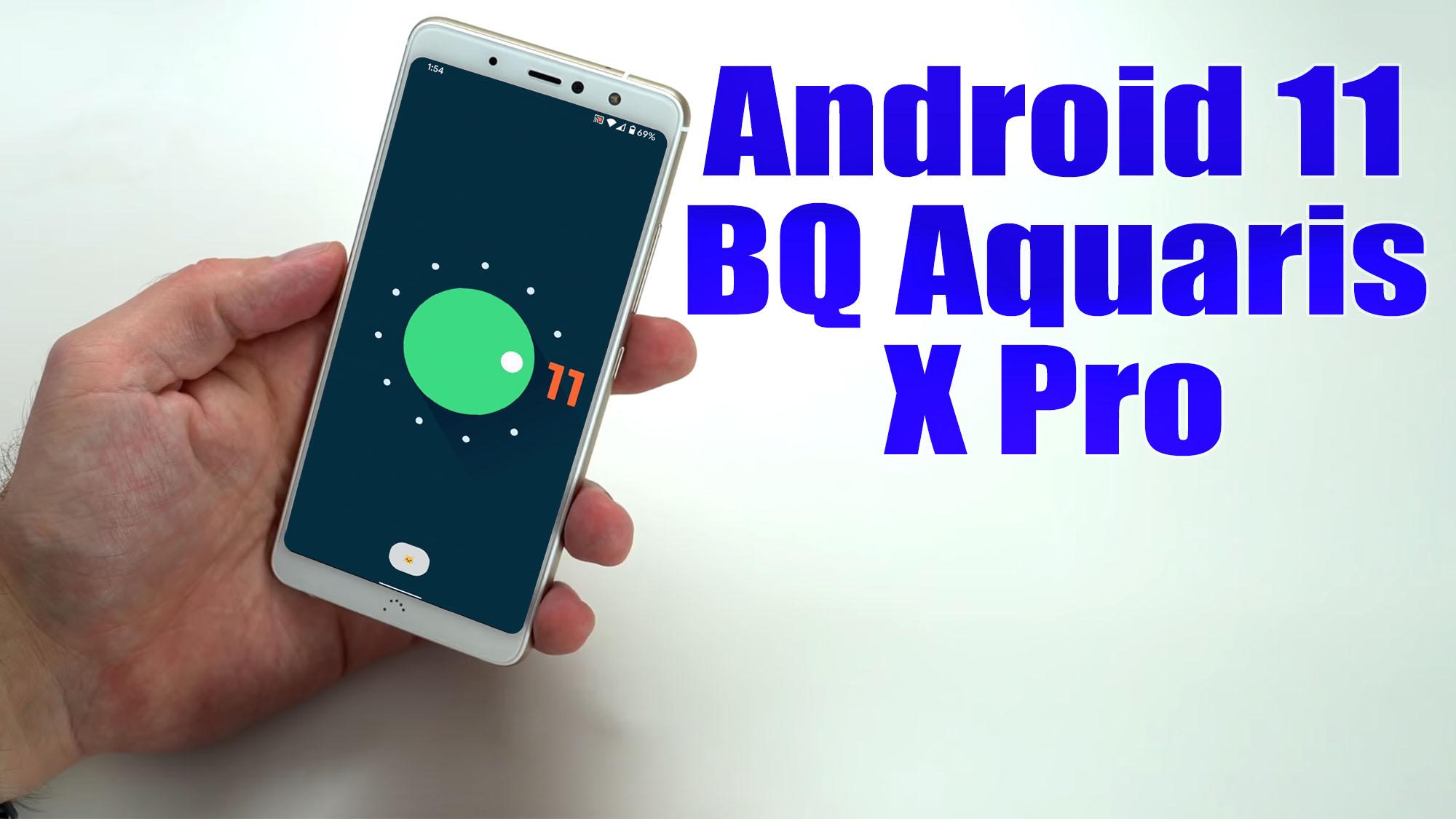
Install Android 11 on BQ Aquaris X Pro (LineageOS 18) – How to Guide!

BQ Aquaris X Pro (codename: bardockpro) launched in April 2017. The handset came with Android 7.1.1 Nougat. In this tutorial, we will show you how to download and install Lineage OS 18 on BQ Aquaris X Pro (bardockpro) device. The Google-owned OS is open source in nature. This allows the userbase to try out tons of customizations and modifications onto your devices. For the starters, they could install themes, icon packs, and launchers from the Play Store. But this is just the beginning. There are a plethora of other tweaks that you could try out on your device.[the_ad id=”193″]

All that is required is an unlocked bootloader, and then you could easily set your feet in the custom development. From installing a custom recovery like TWRP to gaining root access via Magisk, the possibilities are endless. Along the same lines, you could also try out a customized Android OS in the form of custom ROMs. And in this guide, we will be discussing just that. Today, we will show you the steps to install Lineage OS 18 onto your BQ Aquaris X Pro (bardockpro) device.

Talking about the specifications, BQ Aquaris X Pro features a 5.2-inch IPS LCD display with a screen resolution of 1080 x 1920 Pixels. It is powered by Qualcomm Snapdragon 626 MSM8953 Processor coupled with 3/4GB of RAM. The phone packs 32/64/128GB internal memory with expandable storage support of 256GB via microSD card. The camera on the BQ Aquaris X Pro comes with 12MP rear camera with dual-LED dual-tone flash and 8MP front camera for selfies. It is backed by a Non-Removable 3,100 mAh Lithium-Polymer Battery. BQ Aquaris X Pro also has a fingerprint sensor on the back.

Read more

Install Android 10 on Galaxy S4 Active (LineageOS 17.1) – How to Guide!

Finally, LineageOS 17.1 is official for the Samsung Galaxy S4 Active (jactivelte). This Custom ROM is based on Android 10 Q and now live for more than 200 devices. You can check out our complete list of supported LineageOS 17.1. Well, here we will guide on how you can install the official Lineage OS 17.1 on Galaxy S4 Active (Codenamed: jactivelte). The device was launched in June 2013 which came out of the box with Android 4.4.2 KitKat.[the_ad id=”193″]

[the_ad id=”193″]

Thanks to XDA Recognized developer npjohnson for developing the ROM based on Android 10. Full credits to him and the whole LineageOS team. As we said, this custom ROM is based on Android 10 which is the 10th iteration of Google’s Android OS with plenty of new features and system UI changes. This year, Google doesn’t with any dessert item name for the new Android version.

After rolling the official Android 10’s AOSP code (Android Open Source Project) in September 2019, since then, LineageOS team has started working on Lineage OS 17.1 for all the supported devices. To install Lineage OS 17.1 on your Galaxy S4 Active, you need to unlock bootloader and must be running the latest TWRP Recovery. If you are on the old version, you will see error 7 warning text while installing the custom ROM on Galaxy S4 Active (jactivelte) device.
Read more

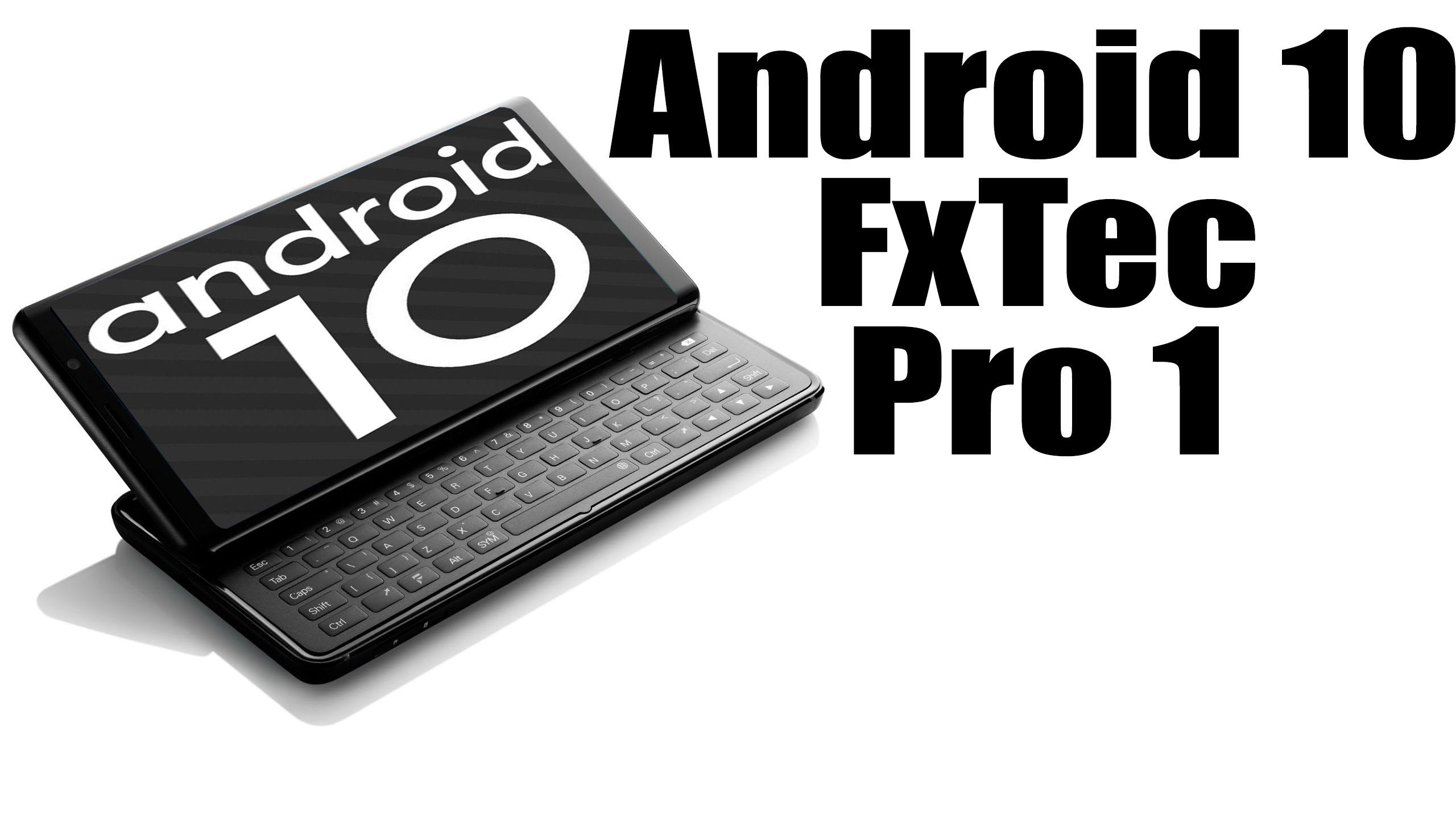
Install Android 10 on FxTec Pro 1 (LineageOS 17.1) – How to Guide!

Finally, LineageOS 17.1 is official for the FxTec Pro 1 (pro1). This Custom ROM is based on Android 10 Q and now live for more than 200 devices. You can check out our complete list of supported LineageOS 17.1. Well, here we will guide on how you can install the official Lineage OS 17.1 on FxTec Pro 1 (Codenamed: pro1).

[the_ad id=”193″]

[the_ad id=”193″]

Thanks to XDA Recognized developer bgcngm for developing the ROM based on Android 10. Full credits to him and the whole LineageOS team. As we said, this custom ROM is based on Android 10 which is the 10th iteration of Google’s Android OS with plenty of new features and system UI changes. This year, Google doesn’t with any dessert item name for the new Android version.

After rolling the official Android 10’s AOSP code (Android Open Source Project) in September 2019, since then, LineageOS team has started working on Lineage OS 17.1 for all the supported devices. To install Lineage OS 17.1 on your FxTec Pro 1, you need to unlock bootloader and must be running the latest TWRP Recovery. If you are on the old version, you will see error 7 warning text while installing the custom ROM on FxTec Pro 1 (pro1) device.

Read more

Install Android 10 on Galaxy Note 10.1 2014 (LineageOS 17.1) – How to Guide!

Finally, Android 10 Q is official and so the AOSP 10 Source code. Samsung Galaxy Note 10.1 2014 (lt03lte) is now getting the unofficial version of Lineage OS 17.1. The device is launched on September 2013. The smartphone came out of the box with Android 4.3 Jelly Bean and later upgraded to Android 5.1.1 Lollipop. Now you can enjoy Lineage OS 17.1 based on Android 10. Full credits to him and Lineage team. Now you can install Lineage OS 17.1 on Galaxy Note 10.1 2014 which is stable enough to use as a daily driver.

[the_ad id=”193″]

[the_ad id=”193″]

Android 10 is Google’s 10th version of Android OS with plenty of new features and system UI changes. Google doesn’t come with any dessert item name for the new Android version this time and that’s a good move. If you’re new to the Android ecosystem, it’s worth mentioning that Android is an Open Source Project (AOSP) by Google. With the new released Android 10 source code, the Lineage team has started working on Lineage OS 17.1 for all the supported device.

To install Lineage OS 17.1 on your Galaxy Note 10.1 2014, you need to unlock bootloader and running latest TWRP Recovery. If you are on the old version, you will see error 7 warning text while installing the custom ROM on Galaxy Note 10.1 2014 device.
Read more

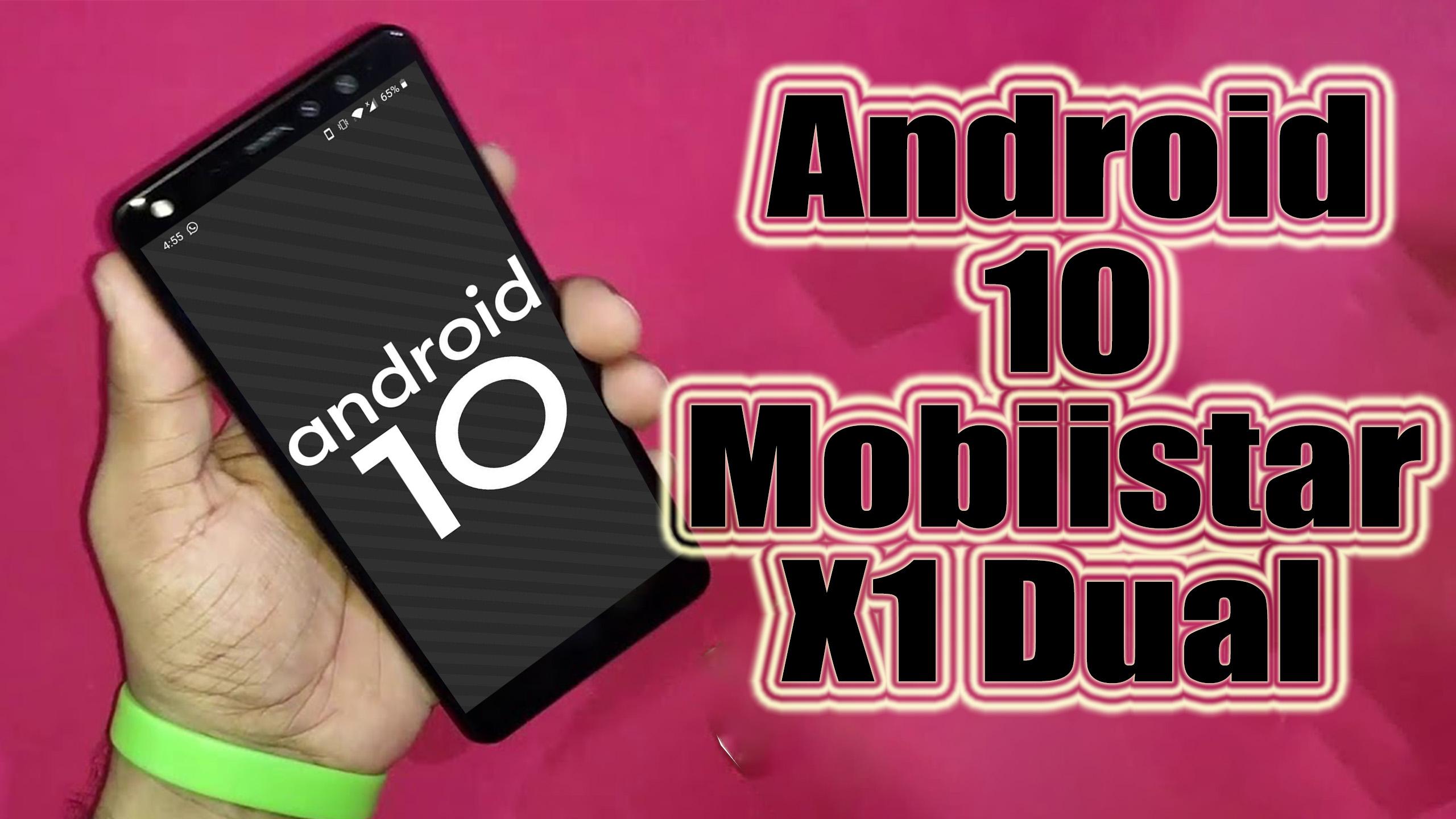
Install Android 10 on Mobiistar X1 Dual (LineageOS 17.1 GSI Treble ROM) – How to Guide!

Mobiistar X1 Dual has launched in the year 2018 with Android 8.1 Oreo out of the box. If you are looking for a new custom ROM for the device, then you are in the right place. Today, we will guide on how to install Lineage OS 17.1 on Mobiistar X1 Dual based on Android 10 … Read more
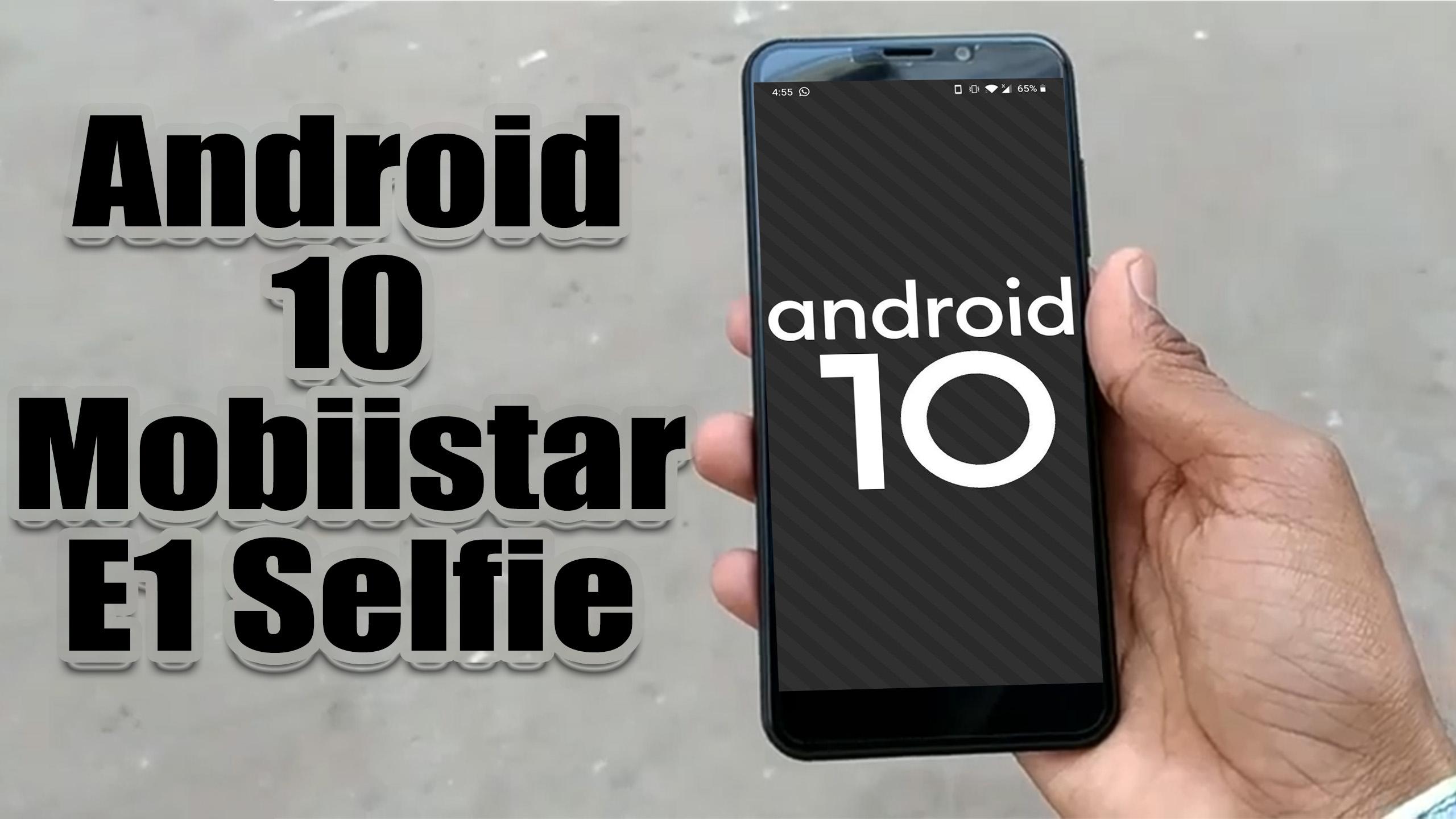
Install Android 10 on Mobiistar E1 Selfie (LineageOS 17.1 GSI Treble ROM) – How to Guide!

Mobiistar E1 Selfie has launched in the year 2018 with Android 8.1 Oreo out of the box. If you are looking for a new custom ROM for the device, then you are in the right place. Today, we will guide on how to install Lineage OS 17.1 on Mobiistar E1 Selfie based on Android 10 … Read more
Install Android 10 on Mobiistar C1 Lite (LineageOS 17.1 GSI Treble ROM) – How to Guide!

The Mobiistar C1 Lite smartphone released in December 2018. The device sports a single-camera setup with 5-megapixel primary sensors and a selfie camera with a 5-megapixel lens. Today we will guide you on how to install the Lineage OS 17.1 on the Mobiistar C1 Lite device by following our guide. [the_ad id=”193″] [the_ad id=”193″] Lineage OS 17.1 … Read more
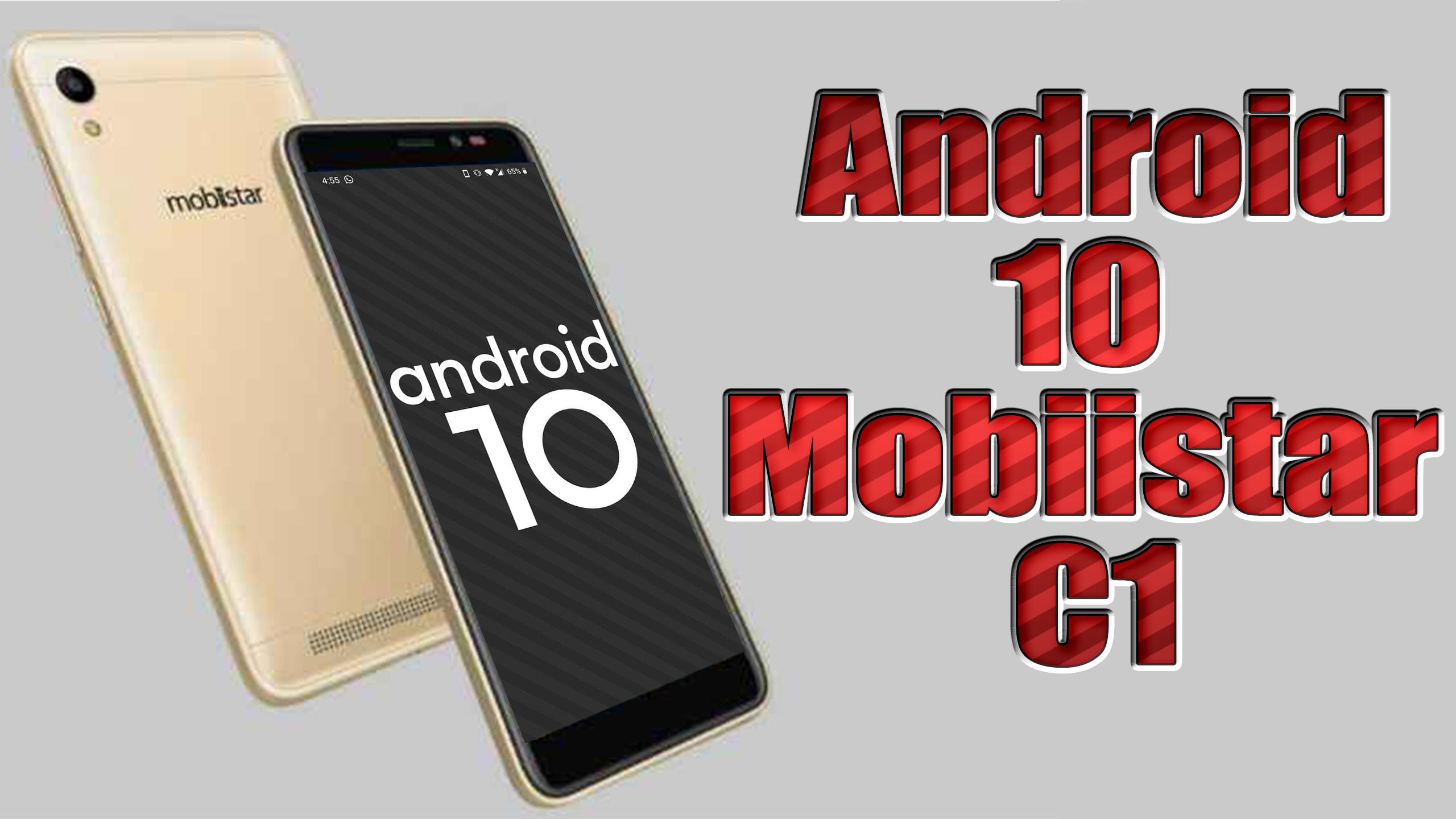
Install Android 10 on Mobiistar C1 (LineageOS 17.1 GSI Treble ROM) – How to Guide!

The Mobiistar C1 smartphone released in December 2018 with Android 8.1 Oreo out of the box. Today we will guide you on how to install the Lineage OS 17.1 on the Mobiistar C1 device by following our guide. [the_ad id=”193″] [the_ad id=”193″] Lineage OS 17.1 GSI developed by XDA Recognized Contributor AndyYan on this XDA … Read more