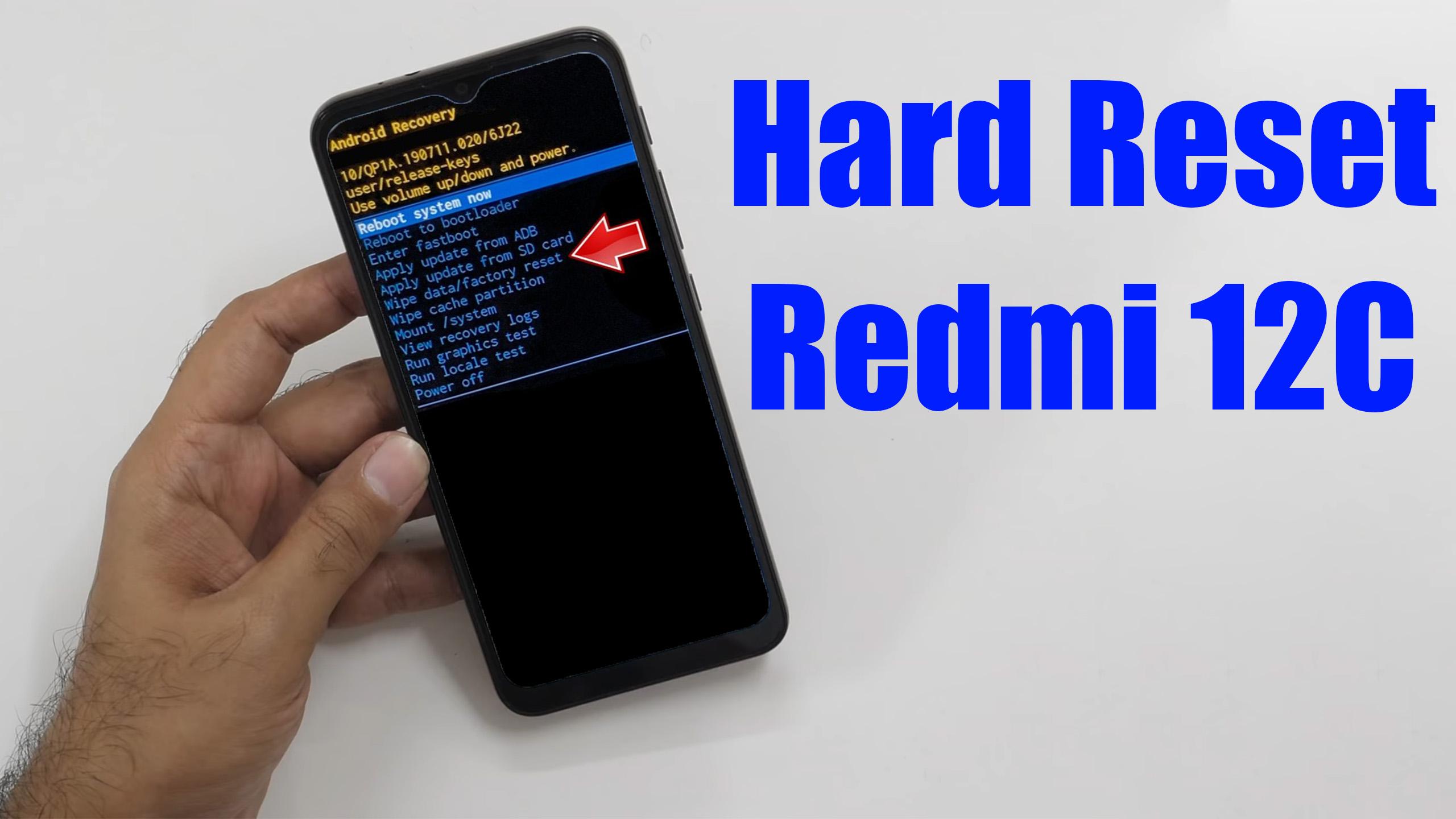
How to factory reset REDMI 12C? How to wipe all data in REDMI 12C? How to bypass screen lock in REDMI 12C? How to restore defaults in REDMI 12C?

The following tutorial shows all methods of master reset REDMI 12C. Check out how to accomplish Hard Reset by hardware keys and Android 12 settings. As a result your REDMI 12C will be as new and your Mediatek MT6769Z Helio G85 cores will run faster.
[the_ad id=”6713″]
1. Let’s use the Power key to disable the REDMI 12C.

2. Press and keep the Power button with the Volume Up at the same time, but release the Power key after the REDMI logo pops up.

3. Continue holding the Volume Up only until the Recovery mode appears.

4. Here, use the Volume rocker to navigate and the Power button to select. Move to the Wipe Data, where pick the Wipe All Data.


5. Choose the Confirm position to begin the process. When the hard reset will be completed, use the Back to Main Menu tab.


6. Finally, turn on the phone by using the Reboot → the Reboot to System.


7. Mission complete!
[the_ad id=”6712″]
Redmi 12C Specification:
The phone comes with a 6.71-inch touchscreen display offering a resolution of 720×1650 pixels (HD+) at a pixel density of 500 pixels per inch (ppi). Redmi 12C is powered by an octa-core MediaTek Helio G85 processor. It comes with 4GB of RAM. The Redmi 12C runs Android 12 and is powered by a 5000mAh battery. The Redmi 12C supports proprietary fast charging.
As far as the cameras are concerned, the Redmi 12C on the rear packs 50-megapixel camera. It has a single front camera setup for selfies, featuring a 5-megapixel sensor.