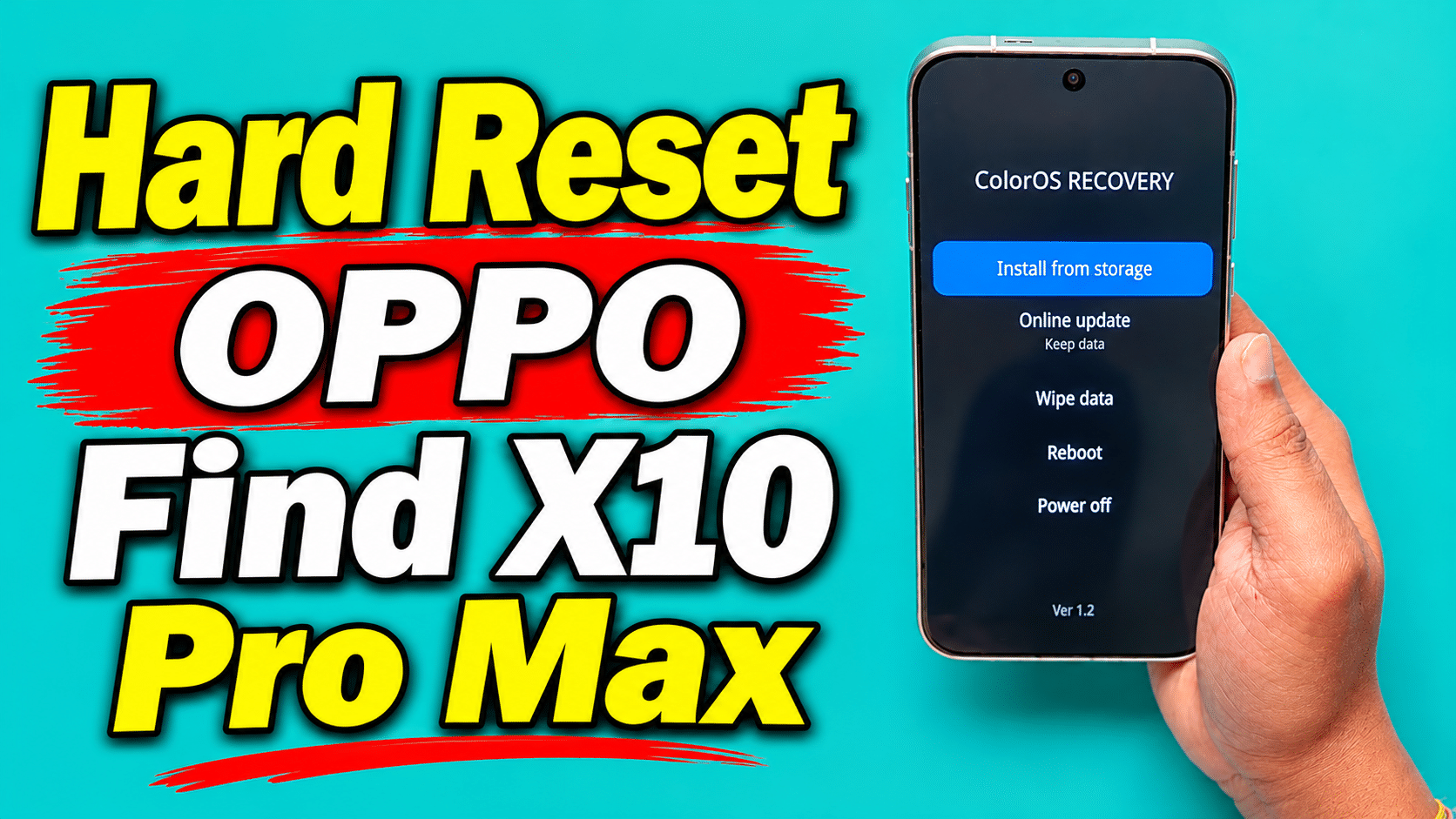
Need to factory reset your OPPO Find X10 Pro Max? This step-by-step tutorial explains how to hard reset, wipe all data, and remove the screen lock on the OPPO Find X10 Pro Max using the hardware button method via Android 16 Recovery Mode — no password, computer, or ADB tools required. Whether your phone is stuck on the boot screen, frozen, unresponsive, or running sluggish, this method fully restores the device to its original factory condition in just a few minutes.
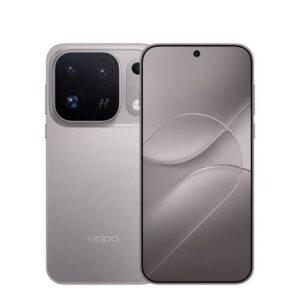
This hardware-level reset is the most dependable fix for persistent software glitches, boot loops, and performance issues — and it works even when your touchscreen won’t respond or you’ve forgotten your PIN, pattern, or password. It’s also the essential step to take before selling, trading in, or gifting your OPPO Find X10 Pro Max, guaranteeing that all personal data, accounts, and files are permanently erased from the device.
[the_ad id=”6713″]
Before You Begin
⚠️ Important: A factory reset permanently erases all data from your OPPO FIND X10 PRO MAX, including photos, apps, contacts, and accounts. Make sure to back up everything before proceeding.
ℹ️ Good to know: After a factory reset, you will need your Google account credentials to set up the device again due to Factory Reset Protection (FRP).
Hard Reset OPPO FIND X10 PRO MAX — Step-by-Step Instructions
STEP 1 OF 7
Step 1.
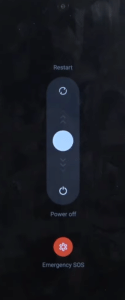
Start by pressing the Power button and volume up button together, then swipe down to turn off your smartphone.
STEP 2 OF 7
Step 2.
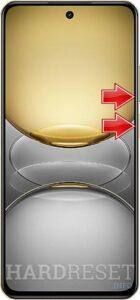
Once its turn off hold the power button and volume down button, and when you see the Oppo logo let go the power button but keep holding the volume down button.
STEP 3 OF 7
Step 3.
tap on English language.

STEP 4 OF 7
Step 4.
it will send you to recovery mode, now tap on format data.
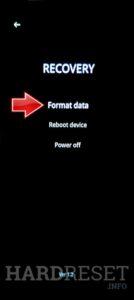
STEP 5 OF 7
Step 5.
Enter the given verification code.

STEP 6 OF 7
Step 6.
next, tap on format option to confirm it.

STEP 7 OF 7
Step 7.
Hard Reset is Done.
✅ Factory reset complete! Your OPPO FIND X10 PRO MAX has been restored to its original factory state. All personal data, apps, and accounts have been erased.
[the_ad id=”6712″]
OPPO FIND X10 PRO MAX Technical Specifications
| Display | 6.82-inch LTPO AMOLED, 2K (3168 x 1440), 120Hz, Dolby Vision, HDR10+ |
| Processor | Snapdragon 8 Elite Gen 5 (3nm) |
| RAM | 12GB / 16GB LPDDR5X |
| Operating System | Android 16 with ColorOS 16 |
| Battery | 6000mAh silicon-carbon, 100W SuperVOOC wired, 50W wireless charging |
| Rear Camera | 50MP main (1-inch Hasselblad sensor) + 50MP ultra-wide + 200MP periscope telephoto |
| Front Camera | 32MP, f/2.4 |
Frequently Asked Questions About OPPO FIND X10 PRO MAX Factory Reset
What happens after I factory reset my OPPO Find X10 Pro Max?
The phone reboots and loads the initial setup wizard, just like when you first unboxed it. All apps, photos, settings, and accounts are permanently removed. The Snapdragon 8 Elite Gen 5 chipset will perform at its original speed.
Can I factory reset the OPPO Find X10 Pro Max if the screen is broken?
Yes, as long as you can see the recovery menu. The hardware key method (Power + Volume Down) works even with a cracked or partially broken screen since navigation uses physical buttons only.
Is factory reset the same as hard reset on the OPPO Find X10 Pro Max?
Yes. The terms “factory reset,” “hard reset,” and “master reset” all refer to the same process — erasing all user data and restoring the device to its original manufacturer settings.