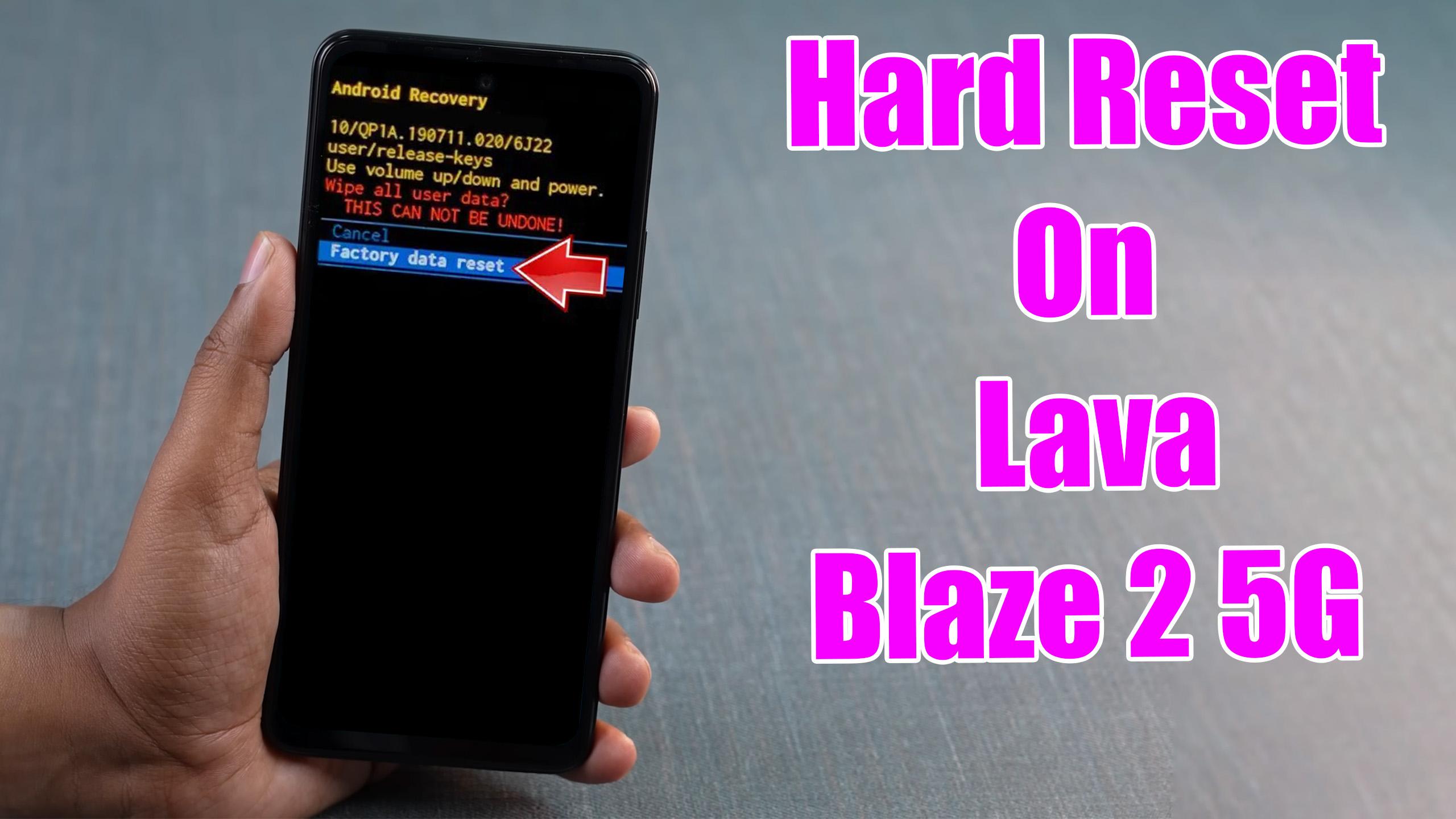
How to factory reset LAVA Blaze 2 5G? How to wipe all data in LAVA Blaze 2 5G? How to bypass screen lock in LAVA Blaze 2 5G? How to restore defaults in LAVA Blaze 2 5G?

The following tutorial shows all methods of master reset LAVA Blaze 2 5G. Check out how to accomplish Hard Reset by hardware keys and Android 13 settings. As a result your LAVA Blaze 2 5G will be as new and your MediaTek Dimensity 6020 cores will run faster.
[the_ad id=”6713″]
1. To begin, power off the mobile using the Power key.

2. Next, press and hold the Volume Up + Power buttons simultaneously.

3. You will enter Recovery mode. Here, use the Volume rocker to navigate and the Power key to make selections.

4. Now, choose the Wipe data/factory reset procedure.

5. Utilize the Factory data reset to confirm.

6. Finally, select Reboot System Now to restart the phone.

[the_ad id=”6712″]
Lava Blaze 2 5G Specification
The phone comes with a 90 Hz refresh rate 6.56-inch touchscreen display offering a resolution of 720×1600 pixels (HD+). Lava Blaze 2 5G is powered by an octa-core MediaTek Dimensity 6020 processor. It comes with 4GB of RAM. The Lava Blaze 2 5G runs Android 13 and is powered by a 5000mAh battery. The Lava Blaze 2 5G supports proprietary fast charging.
As far as the cameras are concerned, the Lava Blaze 2 5G on the rear packs 50-megapixel camera. It has a single front camera setup for selfies, featuring an 8-megapixel sensor.